


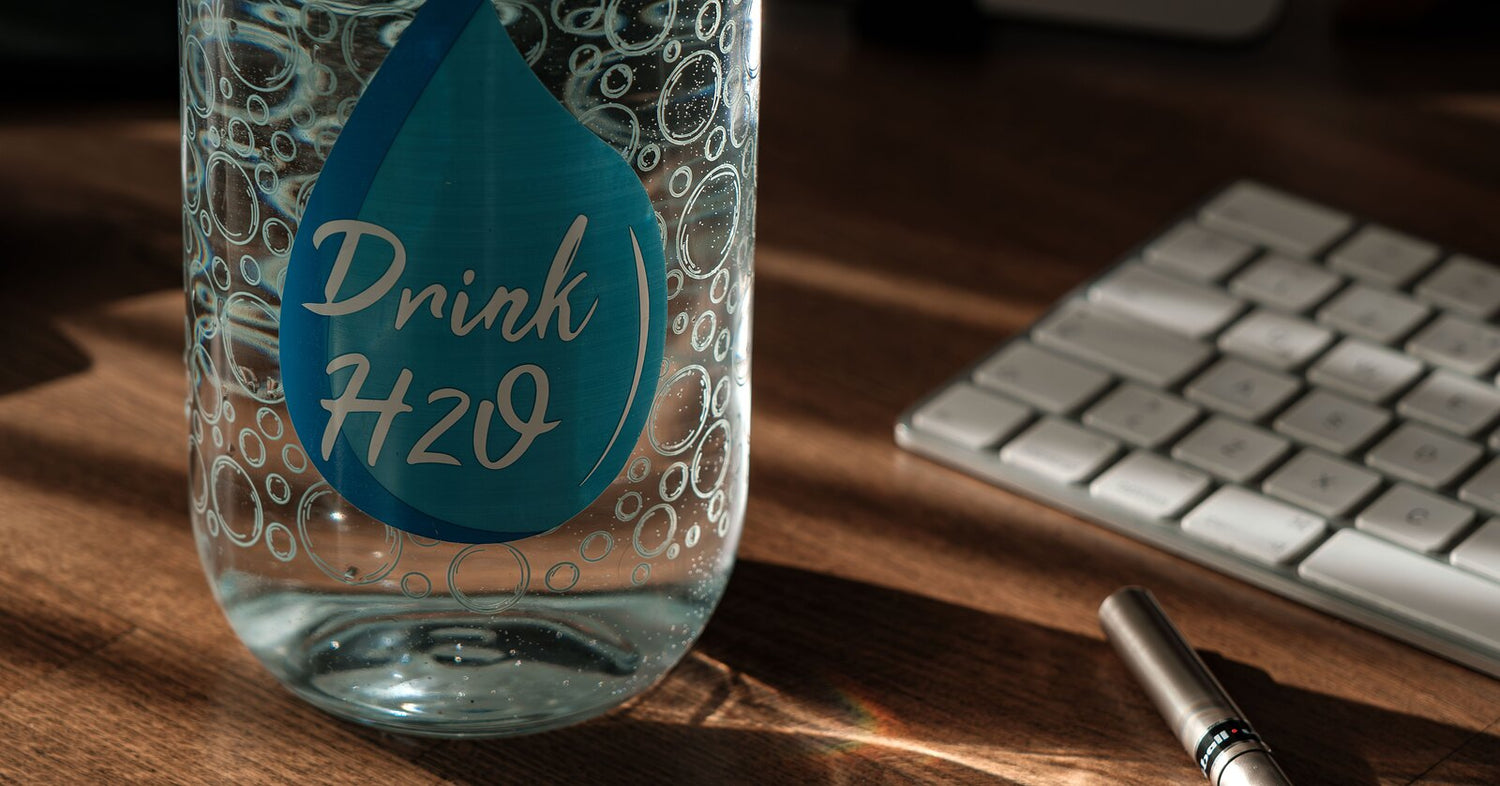
If you own a sticker printer, bottle stickers cost about $0.20 apiece to make, so this list leans generous: 30 ideas, sorted by what the sticker is for. Labeling a kid’s bottle so it comes back from school. Tracking how much you actually drink. Decorating a gym bottle, or printing a matching set as a gift for someone. Everything here prints at home, and on the Liene PixCut S1 the sheets come out laminated, which matters more than usual on an object that gets rinsed a couple of times a day.
Quick note on materials before the list starts: use your own art, your own photos and your own words. Cartoon characters and brand logos are someone else’s property, and none of these ideas need them anyway.
Name Labels That Come Home from School
The lost-and-found bin at every school is full of unlabeled bottles, so start here.
1. First name, big letters. Go bigger than feels right, since the label has to read from across a classroom, not from your kitchen table.
2. Name plus class. Something like Maya, Room 12. Half the bottles in a school look identical, and the class line is the part the teacher actually uses.
3. Your kid’s own drawing as the label. Photograph it in decent light, let the app trace around it, and the label is one of a kind by definition. Works for the awkward middle-school years too, when a store-bought name label absolutely will not fly.
4. An “If found, return to…” band with a family name or a phone number. A little formal for a seven-year-old, and fine on your own bottle as well.
5. Allergy alerts. “Nut-free lunch” or “Dairy allergy” in a bold color, on the bottle rather than buried in a folder somewhere. Teachers see the bottle every single day.
More back-to-school labeling ideas, notebooks and lockers included, are in our back to school sticker ideas roundup.
Stickers That Do a Job
This group is less about decorating and more about the sticker doing something useful.
6. Hydration tracker dots. A column of eight or ten small circles down one side that you mark or peel as the day goes. Low-tech, and that’s sort of why it works.
7. Time markers. 8 AM near the top, noon in the middle, 5 PM near the bottom, so the water level doubles as a schedule. Print the times small; they don’t need to dominate the bottle.
8. Ounce or milliliter lines, for bottles that don’t print their own measurements. Useful for recipes, formula mixing, or just counting refills honestly.
9. A “wash me” reminder on the base. You only see it when the bottle is empty and tipped over, which is exactly the right moment.
10. Medication or supplement reminders. A small AM and PM icon pair for the bottle that lives next to the pill organizer. Plain icons tend to work better than words here, since words you see daily stop registering after a while.
Gym, Sports and Team Bottles
11. Jersey number and last name. Number big, name small underneath, and the bottle stops disappearing at tournaments.
12. Team sets. A 4×7” sheet holds several designs at once, so a roster’s worth of numbers prints in a few sheets. Do the whole team in one run while the layout file is open.
13. Your personal record, in numbers only you understand. A small “5K · 26:40” near the cap. When you beat it, you print a new one, and peeling the old one off turns out to be a decent little ritual.
14. Position or lane labels for shared gear. More for coaches than players, and cheaper than the label maker the club keeps losing.
15. A grip-height stripe. A band of pattern right where you actually hold the bottle, which also happens to be where the scuffs collect anyway.
Photos, Pets and Faces
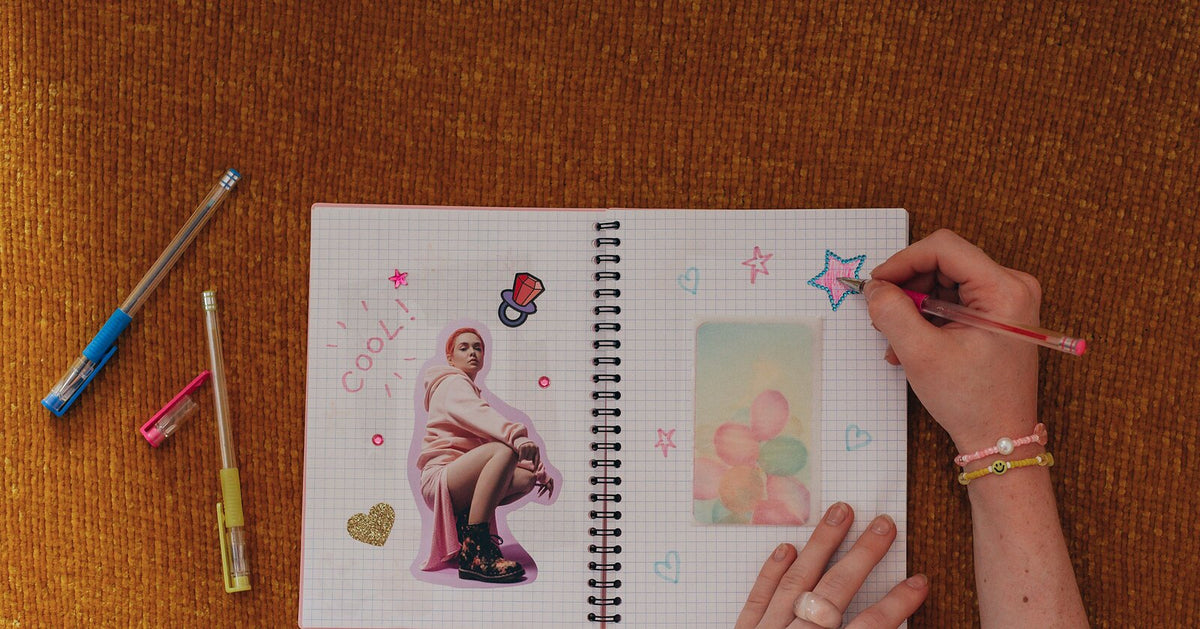
Photo stickers are where dye-sublimation earns its keep. 300 DPI continuous-tone printing keeps a photo looking like a photo rather than a grainy print, and the PixCut S1’s app lifts the subject off the background and builds the cut line on its own.
16. Your dog. The background removal pulls the dog off the couch photo and hands the machine an outline, so the whole thing takes about as long as choosing which photo.

17. A family photo strip, three small photos stacked vertically like a photo booth print, wrapped onto the flat side of the bottle.
18. Baby’s face on the parents’ bottles. Sentimental, sure. It still ends up on every bottle in the diaper bag.
19. Vacation snapshots, one small photo per trip, added over time. The bottle slowly turns into a travel log, assuming you manage not to lose the bottle.
20. Grandparent gift edition. Grandkids’ faces on grandma’s bottle, printed and cut in an afternoon. If you want more gift-shaped ideas, our 20 creative sticker ideas has a batch of them.
Words You Wrote Yourself
The trick with quote stickers is using your own lines rather than famous ones, partly for copyright reasons and mostly because they hold up better.
21. The family inside joke. Five people will get it, and those are the five who see the bottle.
22. A one-word theme for the year, if you’re the type. “Slower.” “Outside.” Small type and lowercase, somewhere off-center, reads better than a big declaration across the middle.
23. Handwriting, scanned. Your own cursive, or a note from someone you love, photographed and cut into a sticker. Skip the fonts entirely on this one.
24. The training mantra, on the bottle you’re holding when you need it. Nobody else has to understand what it means.
25. Kids’ quotes, transcribed exactly, misspellings included. “I did not licked the dog” is a real genre of sentence and it belongs on a bottle.
Matching Sets and Gifts
26. Bridesmaid or bachelorette sets, same design with different names, all printed in one run. Considerably cheaper than the etched tumblers everyone defaults to.
27. Teacher gift bottles. A custom sticker on a decent bottle lands better than mug number nine. “World’s okayest plant keeper” is available as a starting sentiment, but the teacher’s actual catchphrase is better if you can get it out of your kid.
28. Office or club sets, one shared design plus a name each. Settles the whose-bottle-is-in-the-fridge question without an email thread.
29. Holiday stocking stuffers. A sheet of small personalized stickers runs about $0.20 a sticker to make, and a themed sheet per kid packs flatter than nearly anything else going into a stocking.
30. Sell them. Personalized bottle sticker sets do sell, at markets and in online shops, and if the idea keeps nagging at you, our guide to selling stickers online covers pricing and the practical side.
How to Print Them at Home
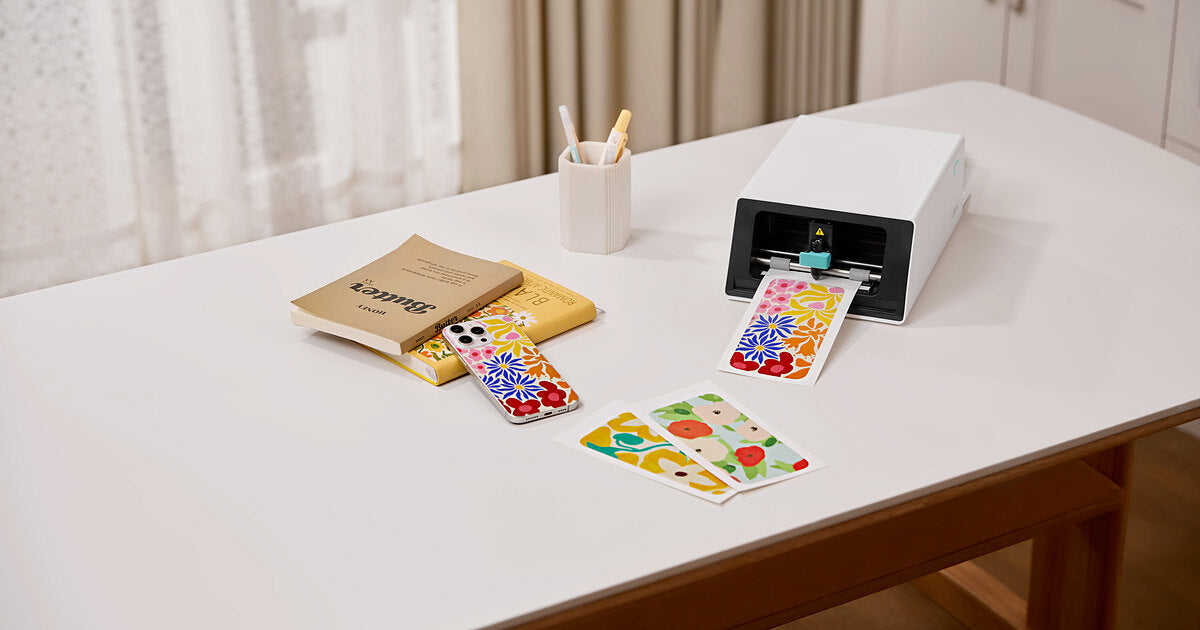
The workflow is short enough to describe in one sentence: design in the free Liene app, which has more than 50,000 templates if you’d rather not start from a blank canvas, tap print, and the machine prints, laminates and kiss cuts the sheet in a single pass that takes a couple of minutes. Kiss cut means the sticker peels off while the backing sheet stays whole; there’s a plain-English explainer at kiss cut vs die cut if the terms are new to you. A few practical notes from the settings side: leave about 4 mm between designs, give mostly-white designs some contrast so the auto-cut has an edge to find, and mix sizes freely, since one big label and a dozen tracker dots can share the same 4×7” sheet.

The lamination is the reason this whole list survives on a bottle. A four-layer protective coat goes on as the sheet prints, no separate step, and that’s what lets a sticker take water, scratches and sun. The full beginner walkthrough is in how to design and print your own stickers.
FAQ
How do I make stickers for a water bottle? Design, print, cut, in that order on any route. On an all-in-one sticker printer and cutter it collapses into a single pass: the PixCut S1 prints the sheet, laminates it and cuts around each design, and you peel the result off the backing.
Are homemade water bottle stickers waterproof? Laminated ones are. The PixCut S1 applies a four-layer laminate as the sheet prints, which covers water, scratches and sun. Stickers from a regular inkjet need laminate sheets added by hand before they’re safe around water.
Can water bottle stickers go in the dishwasher? We’d say hand-wash. The lamination shrugs off splashes, rinsing and daily refills, but dishwasher heat cycles are rough on any sticker, and there’s no real reason to test it.
Will the stickers stay on the bottle? They hold best on smooth, clean surfaces, so wipe the bottle down first and press firmly. Textured or powder-coated areas are harder going for any sticker, this one included.
What size should a water bottle sticker be? Two to three inches suits a main design on most bottles, and trackers or labels can go smaller. Since a 4×7” sheet fits several sizes at once, the cheapest answer is to print a range and see what looks right on your bottle.
How much does it cost to make them? About $0.20 per finished sticker, working from refill paper at $42.99 for 72 sheets, lamination included. Density is free, so a sheet packed with small designs costs the same as one big label.
Start with One Bottle
Start with whichever bottle you look at most. Print one mixed test sheet, a name label, some tracker dots, one photo sticker, and give it a week of real use before settling on a look. At about $0.20 a sticker, changing your mind later costs almost nothing. The PixCut S1 covers the printing, laminating and cutting, and the list above should cover the blank-page problem.

Leave a comment
All comments are moderated before being published.
This site is protected by hCaptcha and the hCaptcha Privacy Policy and Terms of Service apply.