


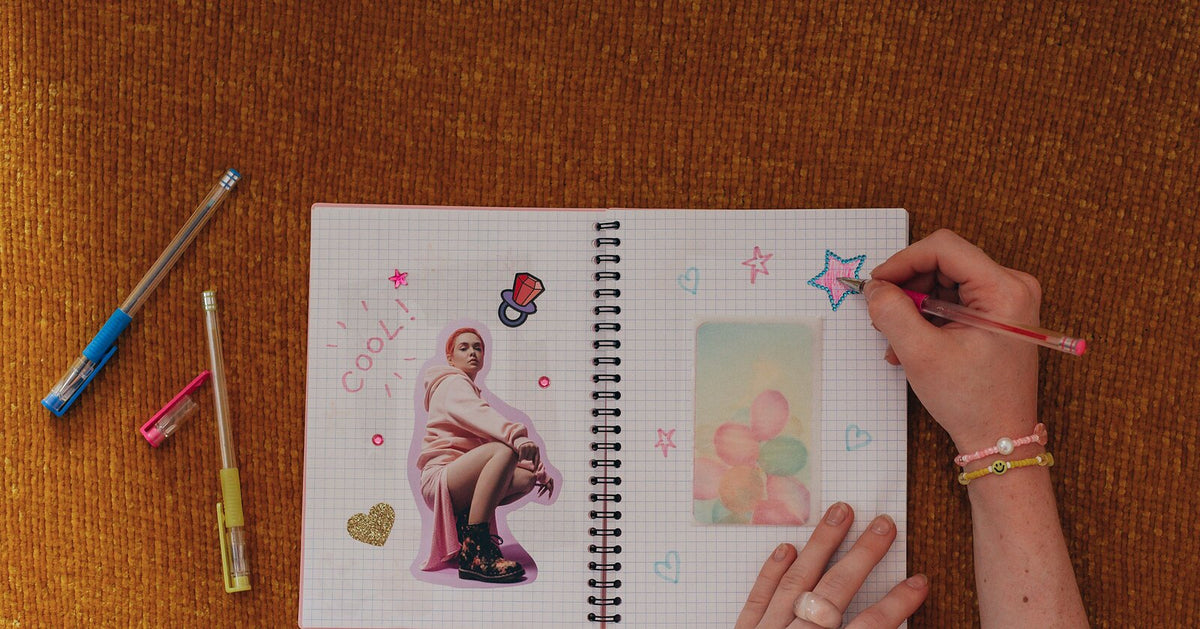
If you journal, you probably own at least one sticker sheet that’s too nice to use. It’s probably also been sitting in a drawer since spring, you just haven’t written that deserving page yet, and deep down you worry there might never be one. Printing your own stickers mostly dissolves that problem, because the math changes underneath it: a sticker runs about $0.20 to make and a fresh sheet takes around a minute to print, so there’s nothing left to ration. Every sheet is the perfect sheet, and you can use them on every page.
House rule before we start, same as always on this blog: your own art, your own photos, your own words. They hold up better than anything borrowed anyway.
Print Your Own Journaling Stickers
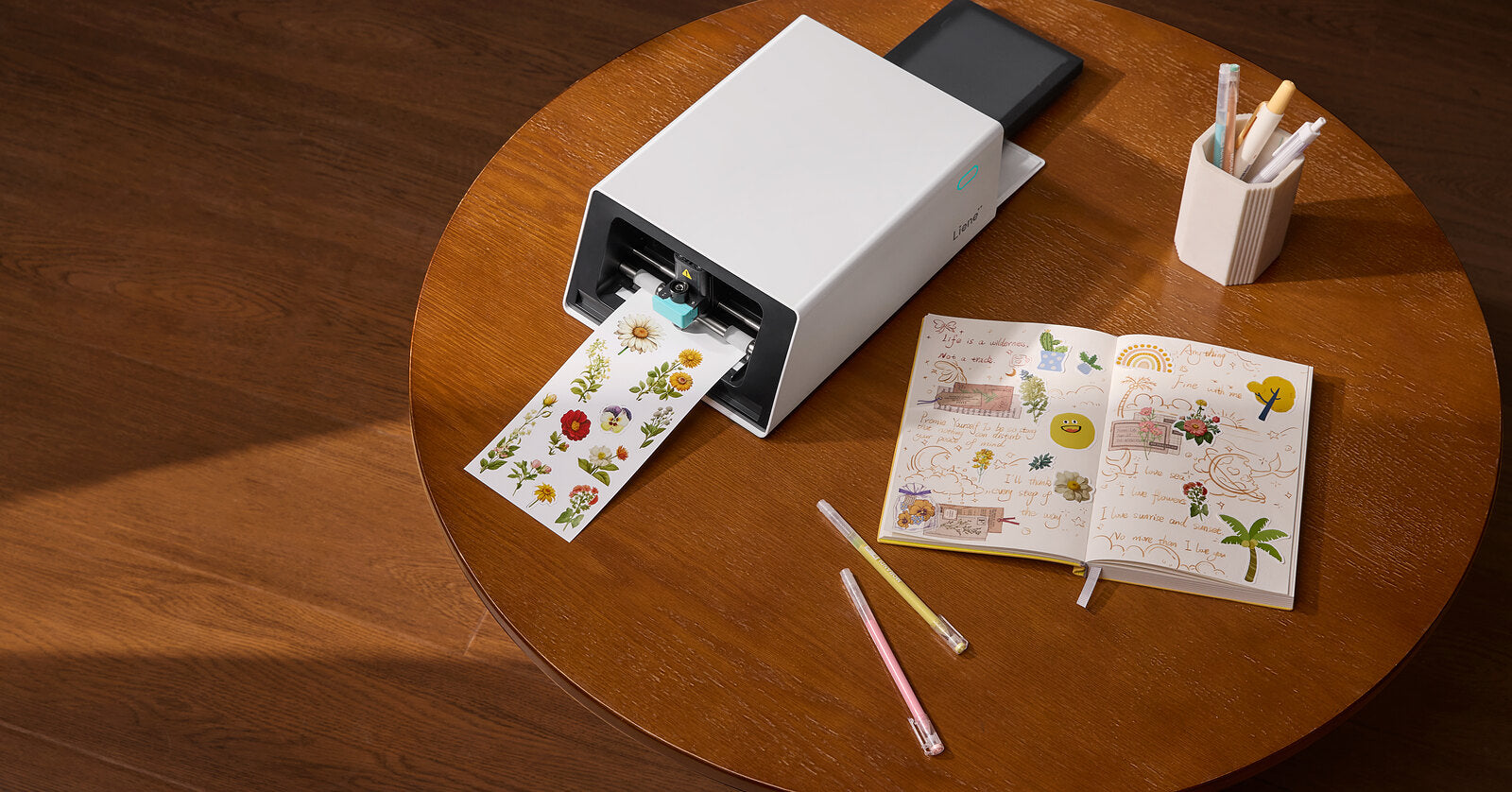
With Liene, all you need is a printer and the free app. Design any kind of sticker you want in the app, and don’t worry if you’re stuck for ideas; there are 50,000+ free templates to start with. You can also start from a blank canvas or use your own photos. Then just tap print, and the PixCut S1 prints, laminates, and kiss cuts the sheet in a single pass that takes a couple of minutes. Kiss cut is the style where the sticker peels off and the backing sheet stays in one piece, the same way store-bought sticker sheets work. The finished sheet feels like the quality you’d get at a stationery shop, even though every design came straight from your own phone. If the cutting terms are new to you, kiss cut vs die cut walks through them in a couple of minutes.
A few design habits that will pay off in a journal specifically: mix sizes on the same 4×7” sheet, one big header sticker surrounded by a confetti of tiny ones; give each design about 4 mm of breathing room so every sticker peels clean; and lean into designs with a clear, bold edge, which will cut the cleanest. Each sheet also picks up a four-layer laminate as it prints, and in journal terms that means a highlighter swipe or a stray splash of coffee wipes right off the sticker, where a plain paper sticker would have absorbed it and sulked.

Daily and Weekly Pages
1. A mood row. Five small faces or colored dots across the top of the week, one per day. Once you’ve drawn a set you like, it can come back every week for as long as you keep the file, which is more than anyone can say for a roll of washi tape that got discontinued.
2. A weather strip. Small sun, cloud and rain icons running down the margin, one per day. Pointless in the best way, and somehow the first thing you’ll look at when you flip back in January.
3. Tiny wins column. Small star or flag stickers next to anything that went right, however small. Some weeks the bar is “watered the plant,” and the sticker still goes on.
4. Meal doodle corner. A little sticker of whatever you cooked, or ordered. The system passes no judgment on a third night of noodles.
5. One-line-a-day markers. A small date sticker at the start of each entry, so a three-word entry still counts as having journaled that day. If you want the fully structured version of this energy, that’s more of a planner project, and we covered it in planner stickers for the school year.

Memory Keeping
Photos are the strongest argument for printing your own, since any picture sitting on your phone can become a sticker. The 300 DPI dye-sublimation printing keeps a photo looking like the photo instead of a fuzzy copy of one, and the app lifts a subject off its background and builds the cut line on its own.
6. The photo-plus-caption spread. One printed photo sticker with your handwriting under it, and nothing else on the page if you don’t feel like adding more. The simplest layout on this list and probably the one you’ll repeat most.
7. Ticket-stub corners. Small photo stickers from places you went, stuck down at slight angles so they look tucked in rather than arranged. The background removal can pull a building or a plate of food out of an ordinary phone photo in one step.
8. Pet of the month. Self-explanatory, and the dog was always going to get a page eventually.
9. A month-in-photos grid. Nine tiny photo stickers in a three-by-three block, one page per month. When you flip back later, the whole month is right there without reading a word.
10. A sealed letter. Write a note to future-you, fold the page over on itself, and seal the fold with a sticker made for the job. Date the seal, because the whole exercise depends on opening it much, much later.
Trackers, Tabs and Tiny Systems
11. Habit grid dots. A block of small circles, thirty-one across, as many habits down as you can face. Filling one in at 10 pm feels disproportionately good, which is more or less the entire business model of habit tracking.
12. Reading tracker spines. A little book-spine sticker for each book you finish, stacked so they build a small shelf down the margin as the year goes on. A few different spine widths in the set makes it look more like an owned bookshelf and less like a bar chart.
13. Month tabs. Twelve small tab stickers, each folded over the edge of its month’s first page, and the journal ends up with an index even though you never sat down and committed to a system.
14. A savings thermometer. Or a progress bar, or a pizza where each milestone earns a slice. The thermometer version can read a little serious for a vacation fund, so match the drawing to the goal.
15. Sleep log moons. A small moon sticker on the nights you made it to bed on time, and partial credit, in phases, is allowed.
Decorative Touches
16. Border strips. Long thin strips in your palette, used like washi you can’t run out of, since a new sheet is a minute away.
17. Seasonal corners. One small motif for each season, a falling leaf, a snowflake, whatever your version of October is. Four little design sessions a year keeps the journal seasonal without borrowing anyone else’s aesthetic.
18. Your handwriting, as decoration. A word or a phrase in your own hand, photographed and turned into a sticker. There are thousands of good fonts out there and not one of them is your handwriting.
19. Color palette chips. Three or four little swatch stickers at the top of a spread announcing this month’s colors, for the people who plan their journal like a small interior design project. That is a compliment.
20. This month’s soundtrack. A small list frame you fill in by hand with whatever you had on repeat. The sticker is just the frame, and what goes on the list is between you and your play history.

FAQ
What are journaling stickers? Loosely, any sticker that ends up in a journal. In practice the term covers functional pieces like trackers, tabs and date markers, along with decorative ones, borders, seasonal art, that kind of thing. Printing your own means you never have to pick a camp.
Can I print my own journaling stickers at home? Yes, and one machine covers it. You design in the free Liene app, tap print, and the PixCut S1 prints the sheet, laminates it and kiss cuts each design in the same pass. What comes out of the machine handles like a store-bought sticker sheet that happens to have your designs on it.
What size should journal stickers be? Small runs the show here. Half an inch to an inch covers dots, tabs and trackers, an inch or two suits headers and photo stickers, and one 4×7” sheet fits the whole range at once, so print a mix and see what your pages like.
Can I use my own photos? Own photos are half the point. Dye-sub printing at 300 DPI holds onto the detail that makes a photo read as a photo, and the background removal in the app gets a phone picture ready to cut in about one step.
Do I need special paper? The PixCut S1 runs on its own sticker sheets, which come out laminated as part of the printing pass. Refills include the ink, 72 sheets and two cartridges for $42.99, and a box lasts a surprisingly long time at journal-sticker sizes.
How much does each sticker cost? Around $0.20 per finished sticker, and journal-sized designs are where that math shines, since a sheet of thirty tiny dots costs the same to print as one big label.
Start with Next Week’s Spread
Pick a page you know is coming, next week’s spread works, and print one sheet just for it. A mood row, some win stars, one photo from the weekend. Nothing precious on this sheet, and nothing you’re saving for a worthier page, because the sheet after this one is a minute away. That’s the quiet advantage of making your own journaling stickers, the supply keeps up with you. The PixCut S1 takes care of the printing end, and if the machine starts drifting beyond the journal at some point, our 20 creative sticker ideas has suggestions ready.

Leave a comment
This site is protected by hCaptcha and the hCaptcha Privacy Policy and Terms of Service apply.