


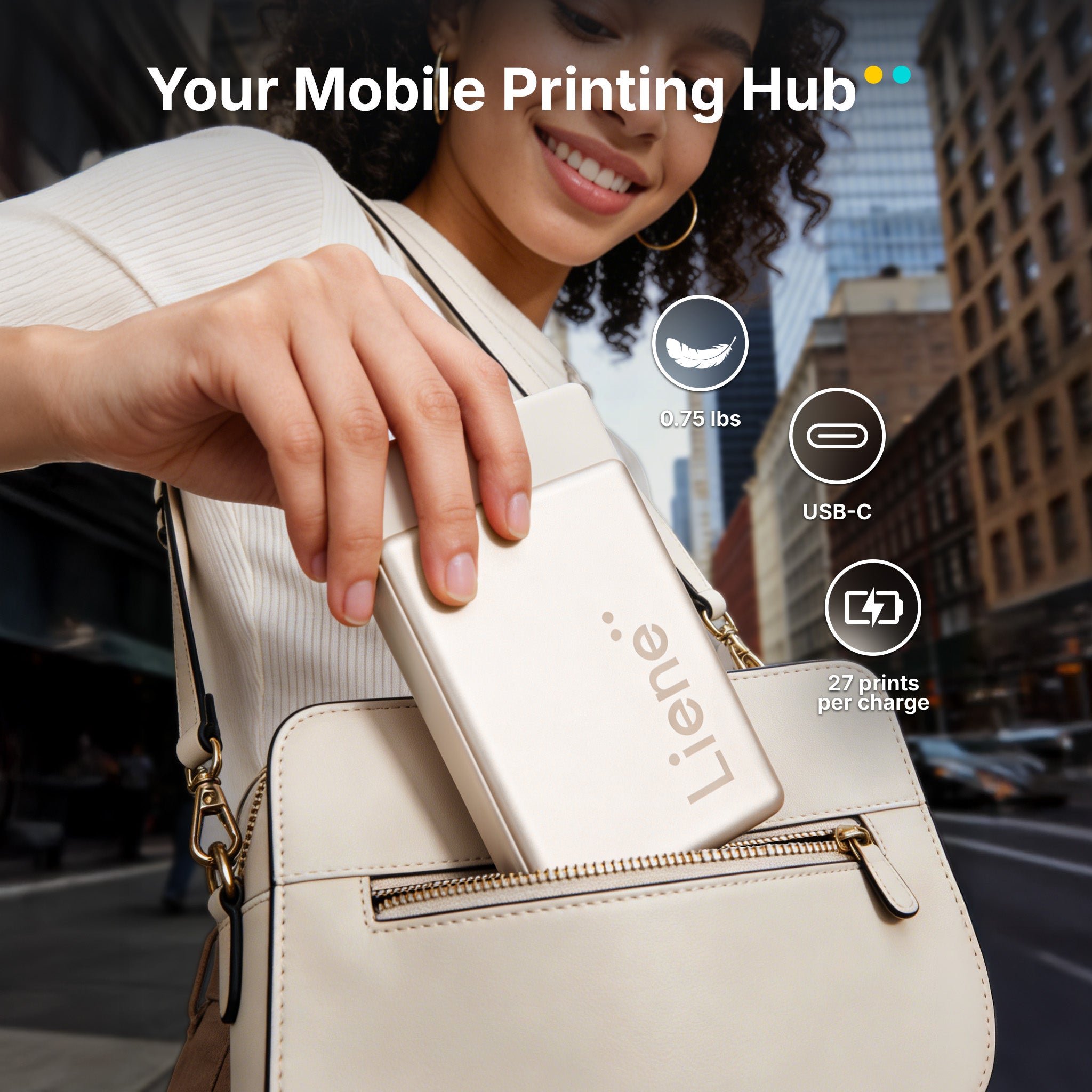


Pearl N200 Pro Portable Photo Printer & Supplies Bundle (50 Sticker Papers) - Gold
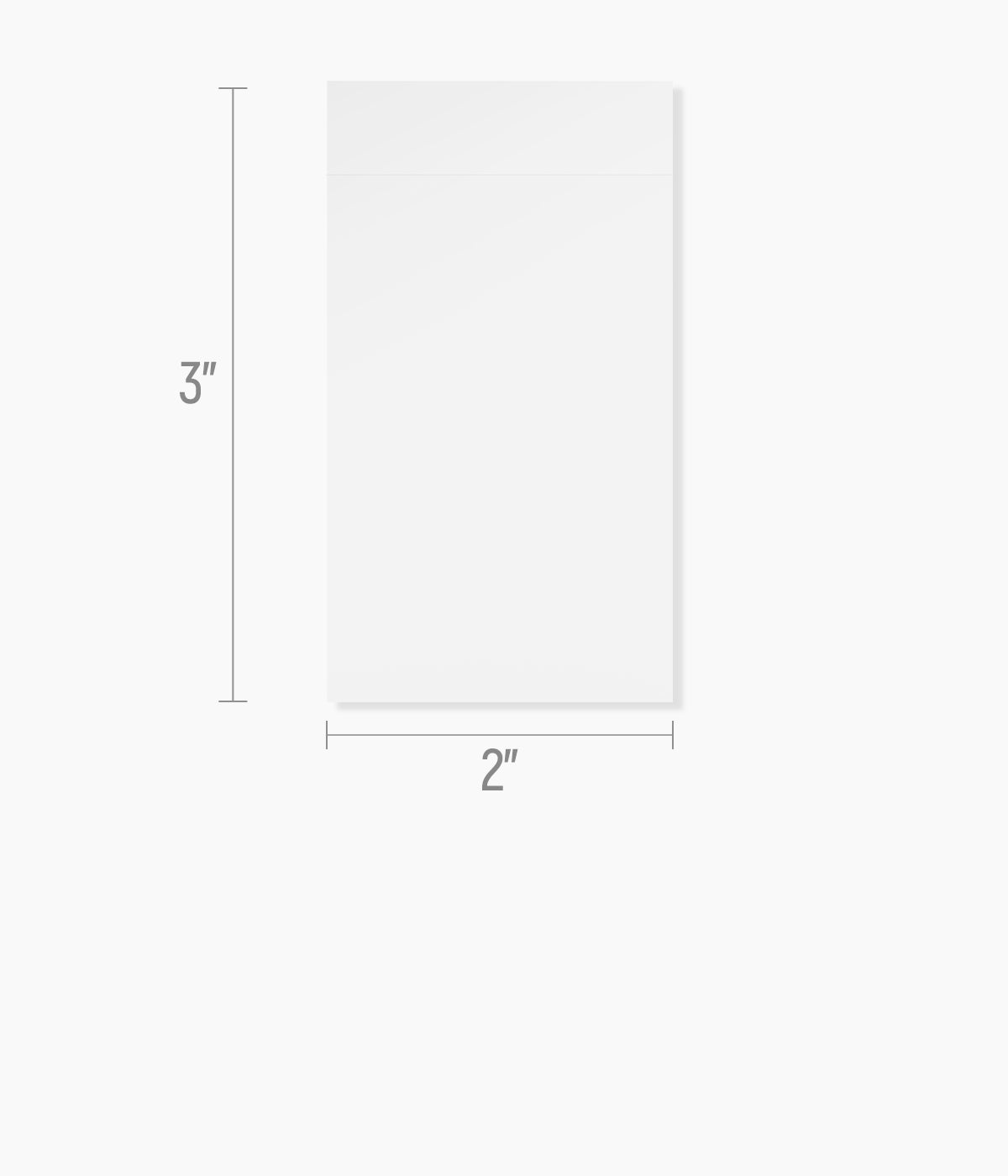
- Includes 50 Sheets 2x3 Adhesive Paper & 5 Cartridges
-
Beautiful Photo Stickers, Anytime
This portable mini photo printer uses dye-sublimation technology to print sharp, vibrant photo stickers that look great straight out of the printer. It's ready to decorate and share anytime, anywhere. -
Smart Styling with AI Photo Printing
Transform your photos with built-in AI styles and backgrounds using the Liene Photo App. Creating standout portraits in seconds has never been so easy. -
One-Touch Shoot & Print
With InstaPic Print mode, you can take a photo and print it instantly using built-in camera filters. No switching apps, just quick prints for parties, trips, and spontaneous moments. -
All-in-One Creative Photo App
Edit, personalize, and print using one app with frames, AI background removal, custom borders, watermarks, and stickers. It's more creative freedom than Polaroid-style printers. -
Fast Bluetooth & Group Printing
Quick pairing supports multiple devices, so everyone can print together. Plus, one charge prints up to 27 stickers.


 Fast & Free Shipping
 30-Day Money-Back Guarantee
 1-year Warranty on Products
 Lifetime Customer Support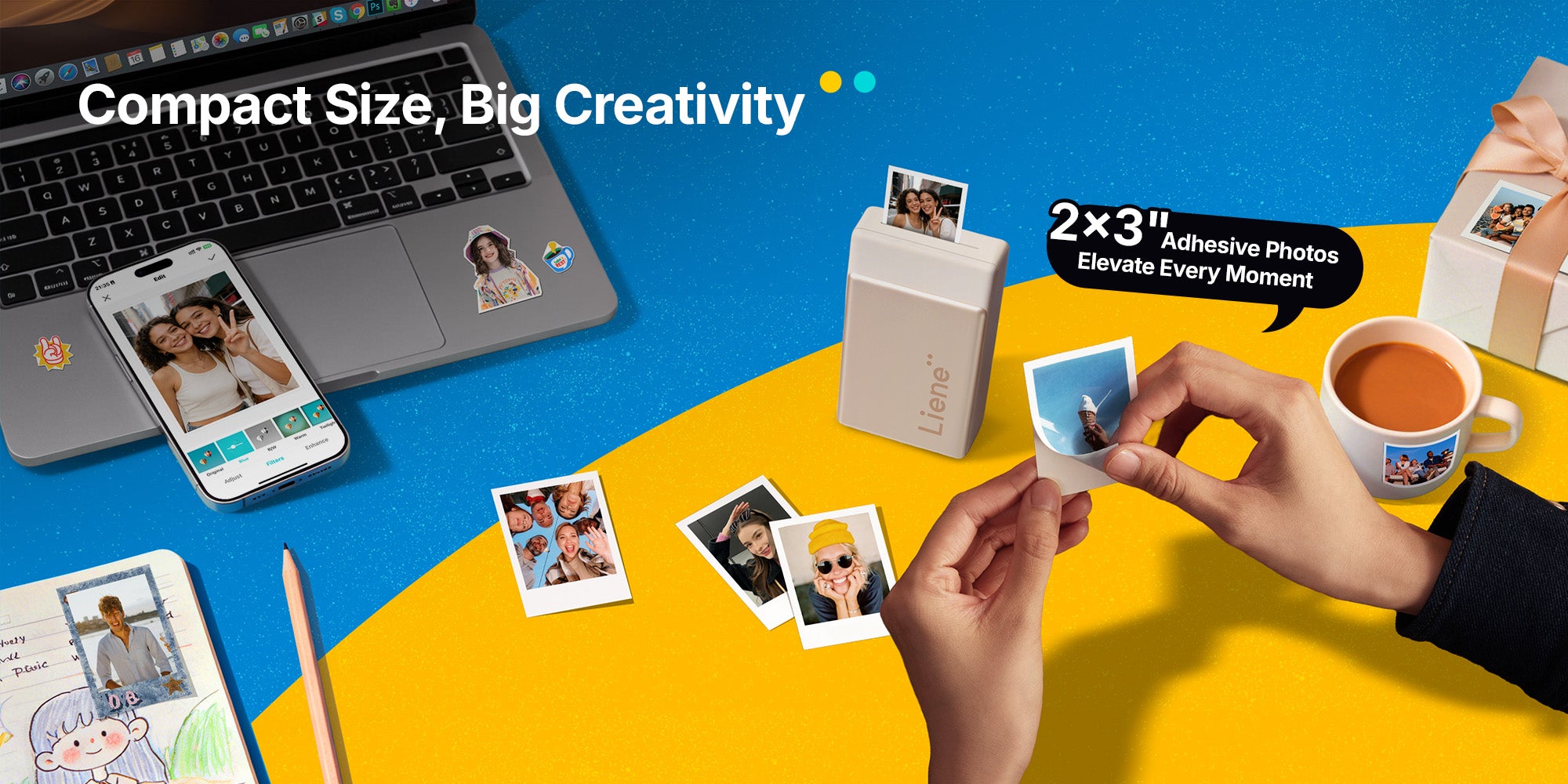
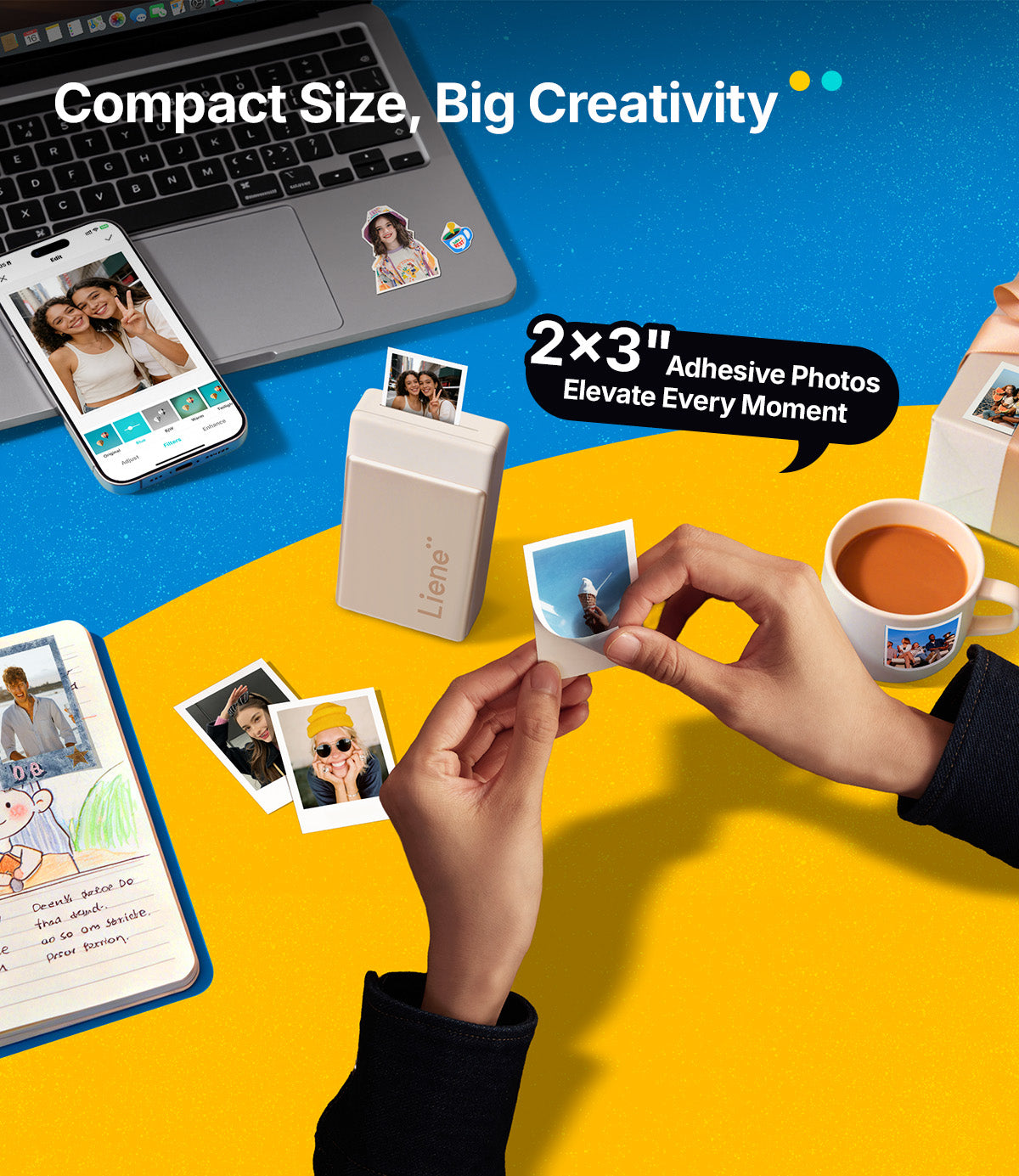
Easy & Creative Photo Printing with Liene Photo App
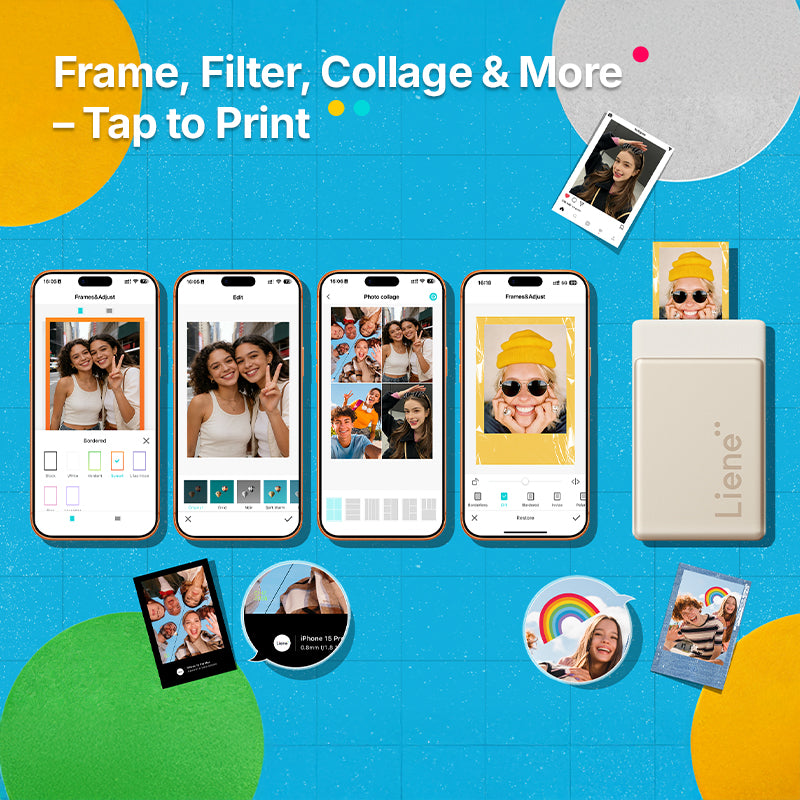
Create More, Effortlessly
Our easy-to-use photo printer app lets you decorate photos in minutes with frames, filters, collages, stickers, watermarks, and AI background removal. So, you can focus on the joy of creating. We’ve got the tools, you bring the moments.
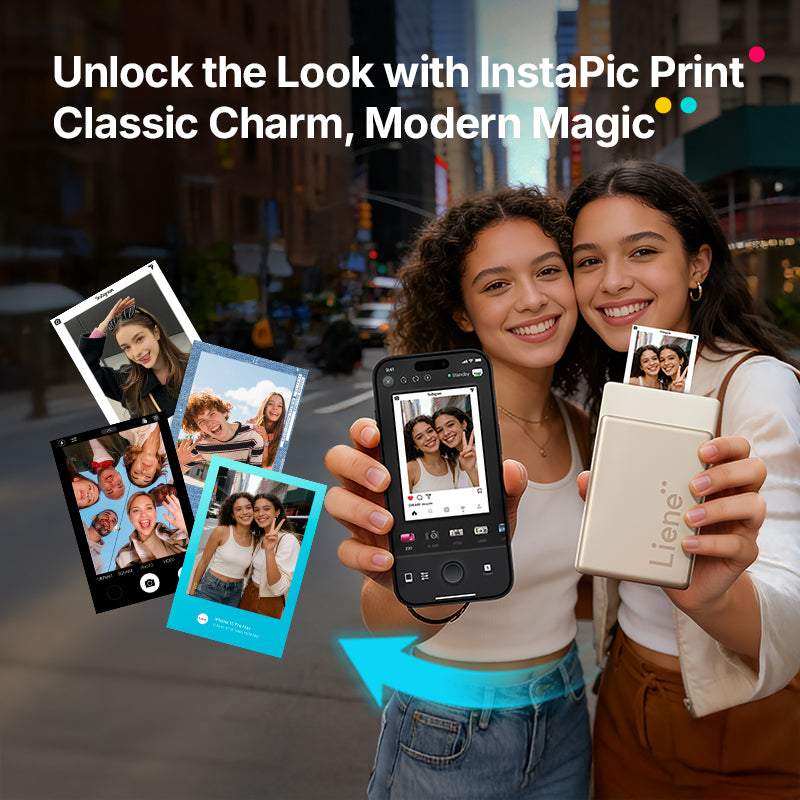
Shoot & Print Instantly
With InstaPic Print mode and built-in CCD camera filters, you can take a photo and print it right away. No editing, no switching apps. Just simple, instant photo printing.
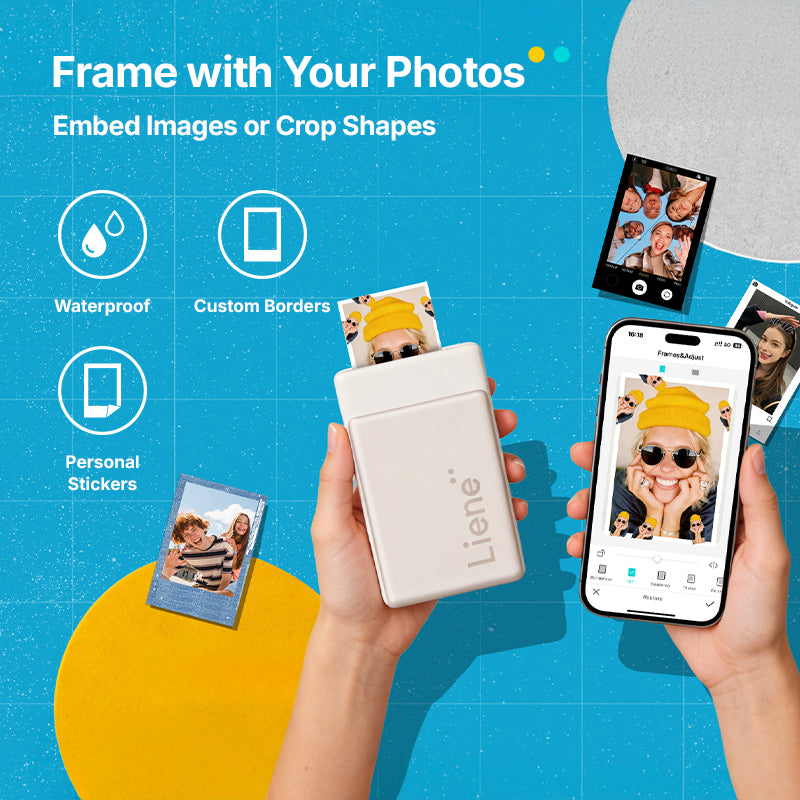
DIY Your Style
Add custom borders, stickers, and frames in just a few taps. It’s an easy, convenient way to turn everyday photos into meaningful keepsakes that truly feel like you.
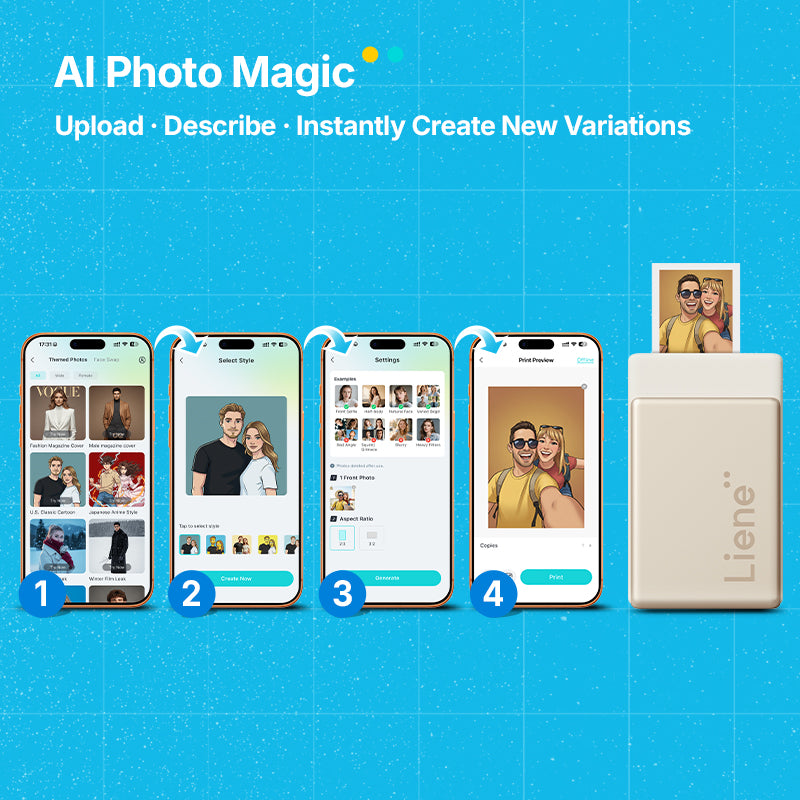
AI Portraits, Made Simple
Upload a photo, choose a style, and let AI create polished portraits with fresh backgrounds. Explore new looks, try new ideas, and enjoy creating with the latest technology.
Upgraded for Better Prints, Easier Use
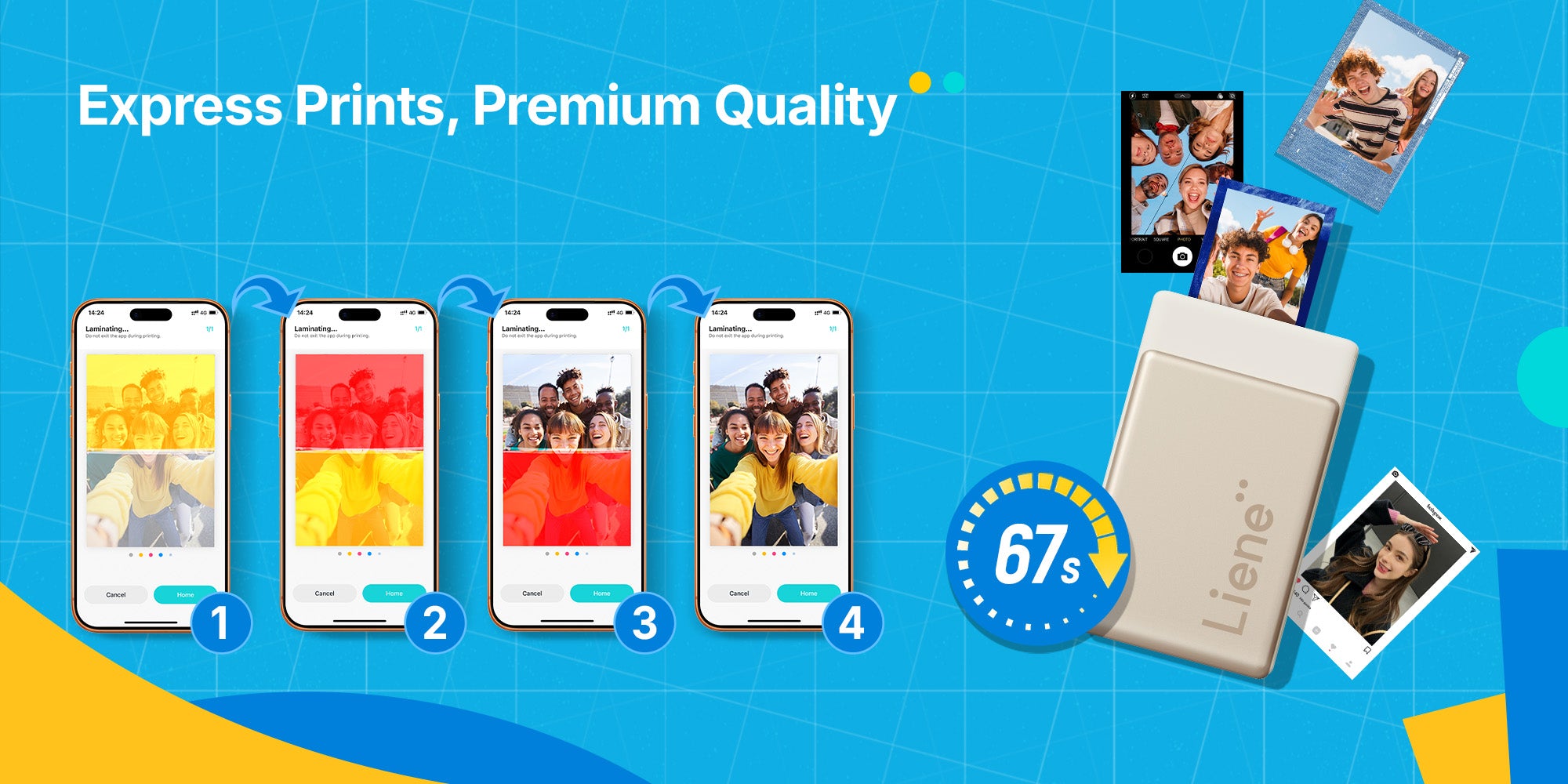
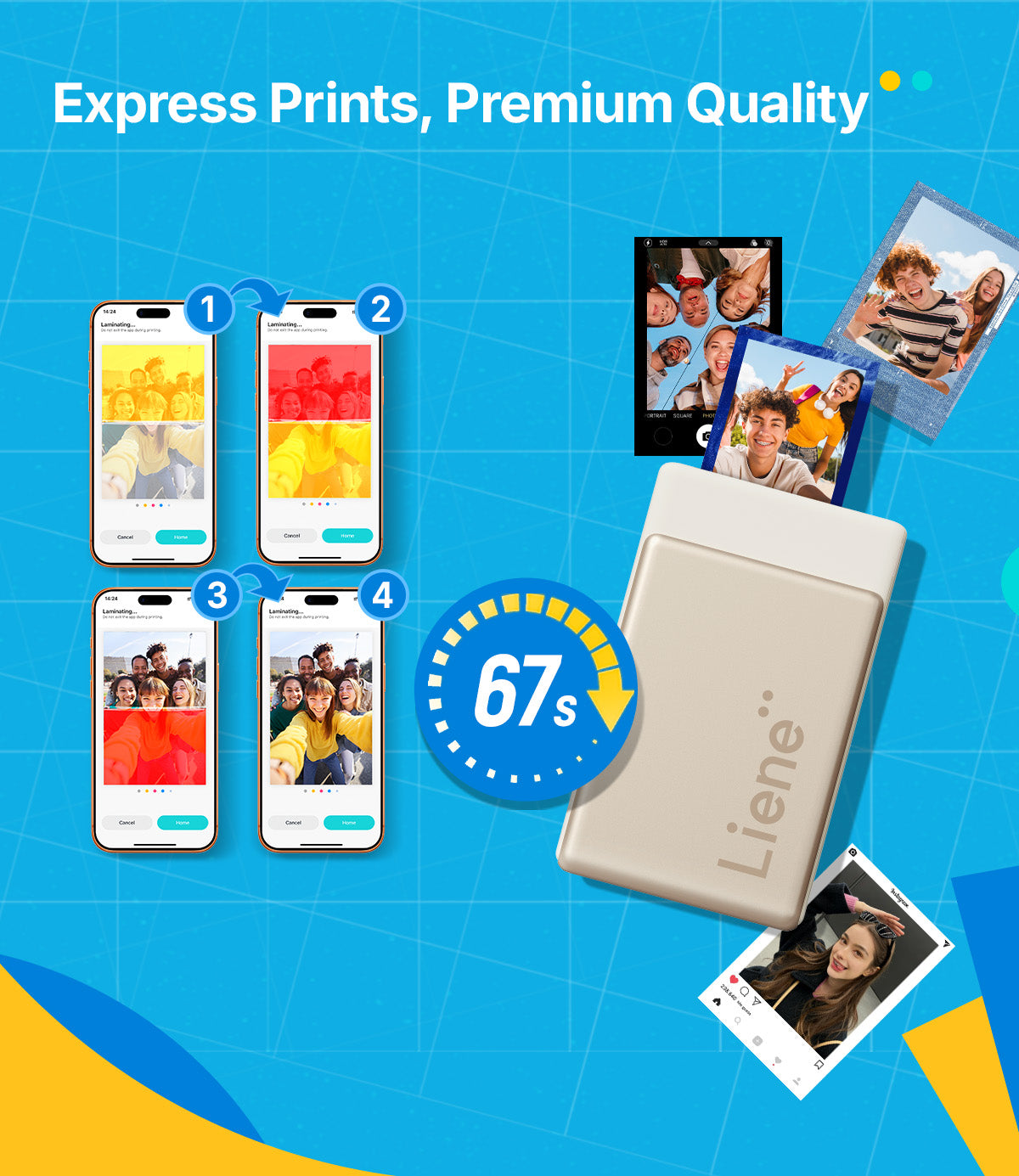
This upgraded portable photo printer delivers premium-quality prints with dye-sublimation for richer color and sharper detail. A magnetic cover and clear indicator lights make printing more intuitive, while faster group Bluetooth lets up to 30 users print at once. Now sharing the fun is easier than ever.


313 DPI
High resolution, high photo quality, and true color rendering
Capture Lifelike Moments with Crystal Clear Detail and Vibrant Colors!
Easy Set Up in Just 4 Steps
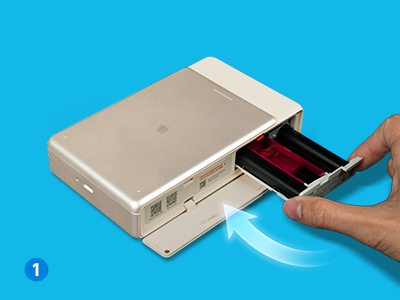
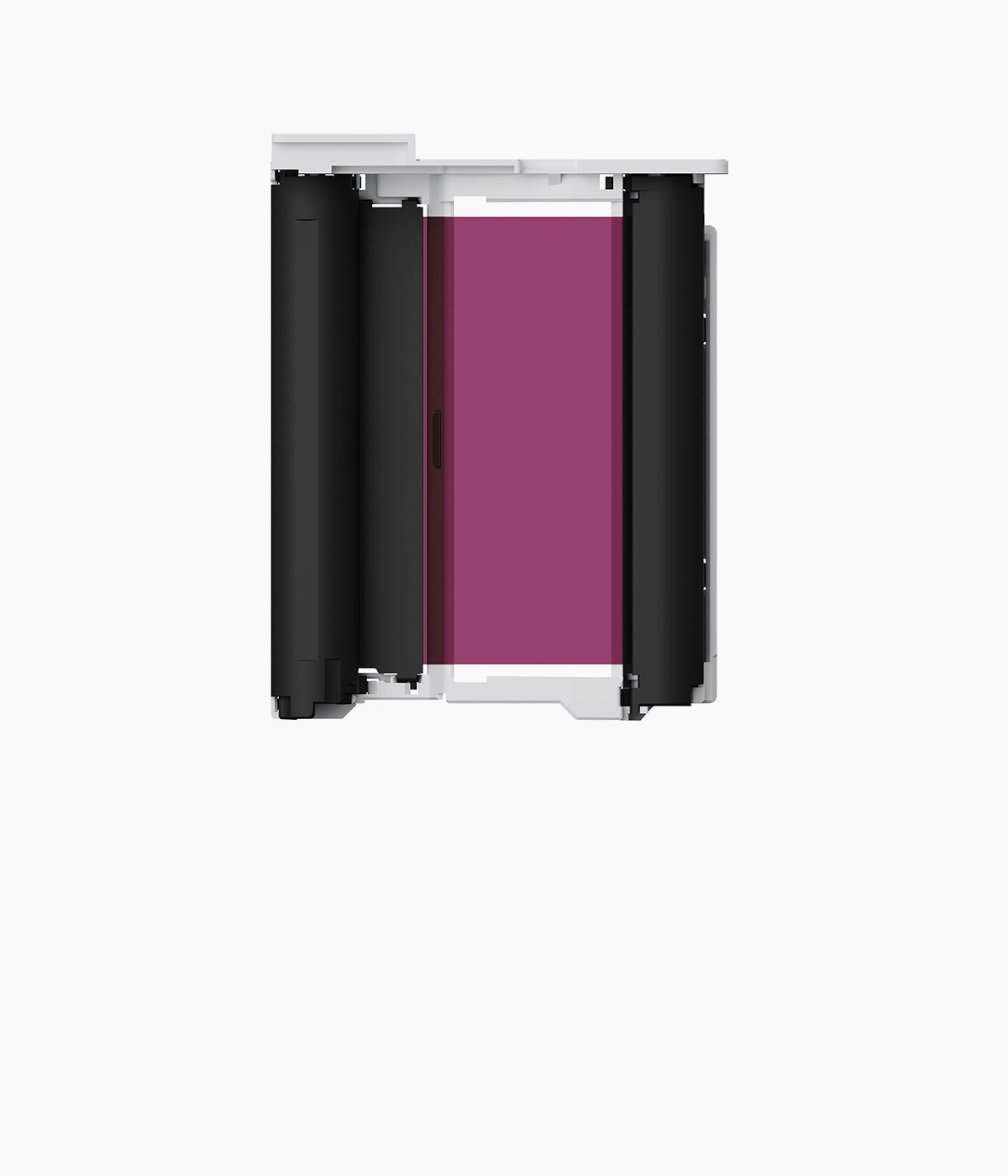
Place the ink cartridge into the printer.

Load the sticker paper into photo cassette
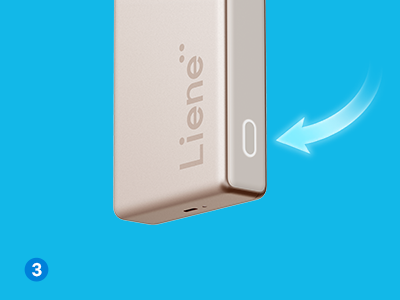
Turn on the printer. When the power light is solid and stops flashing, the light turns blue.
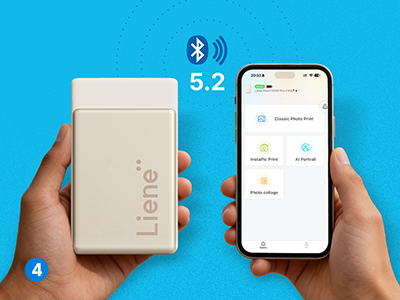
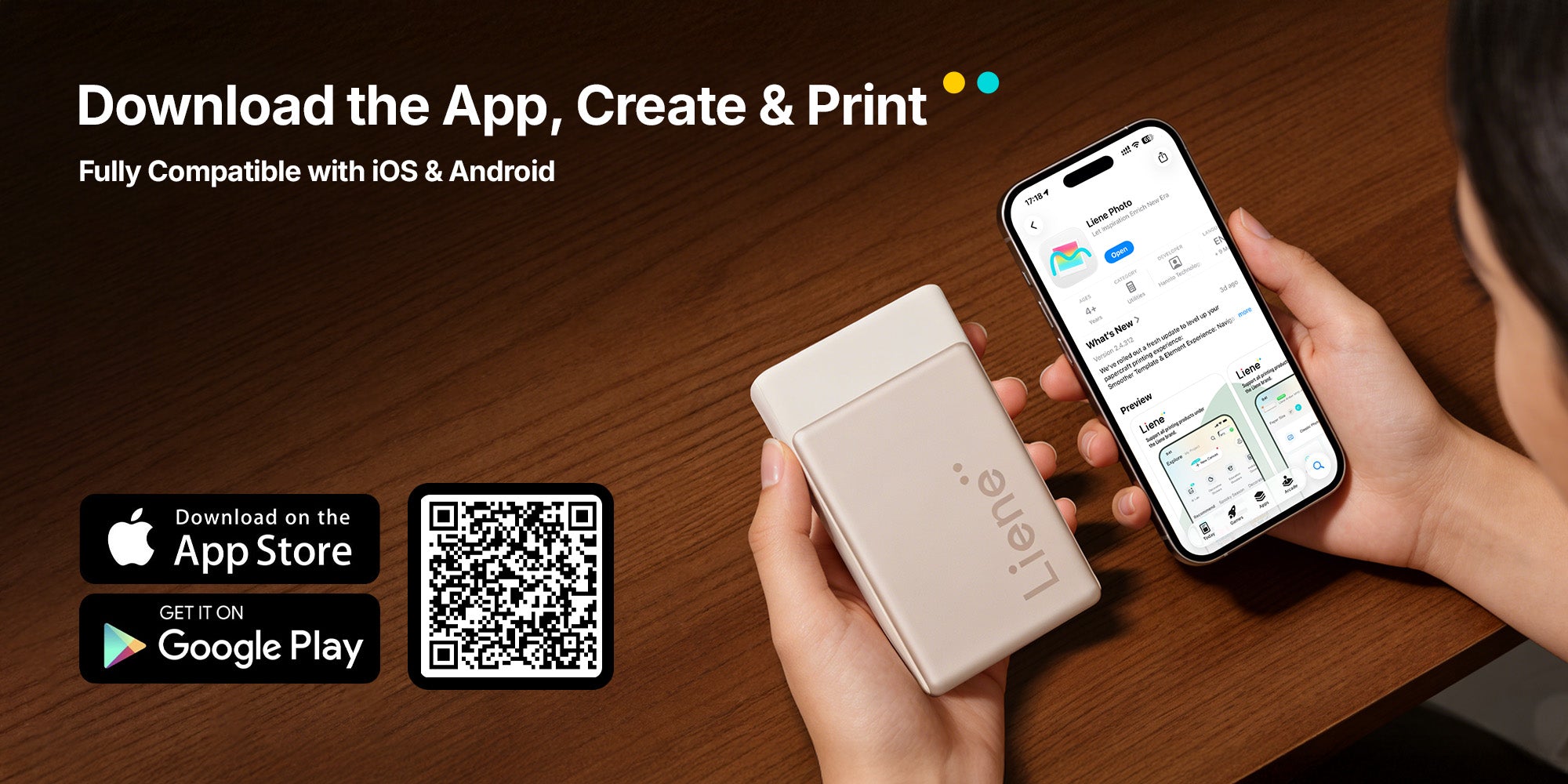
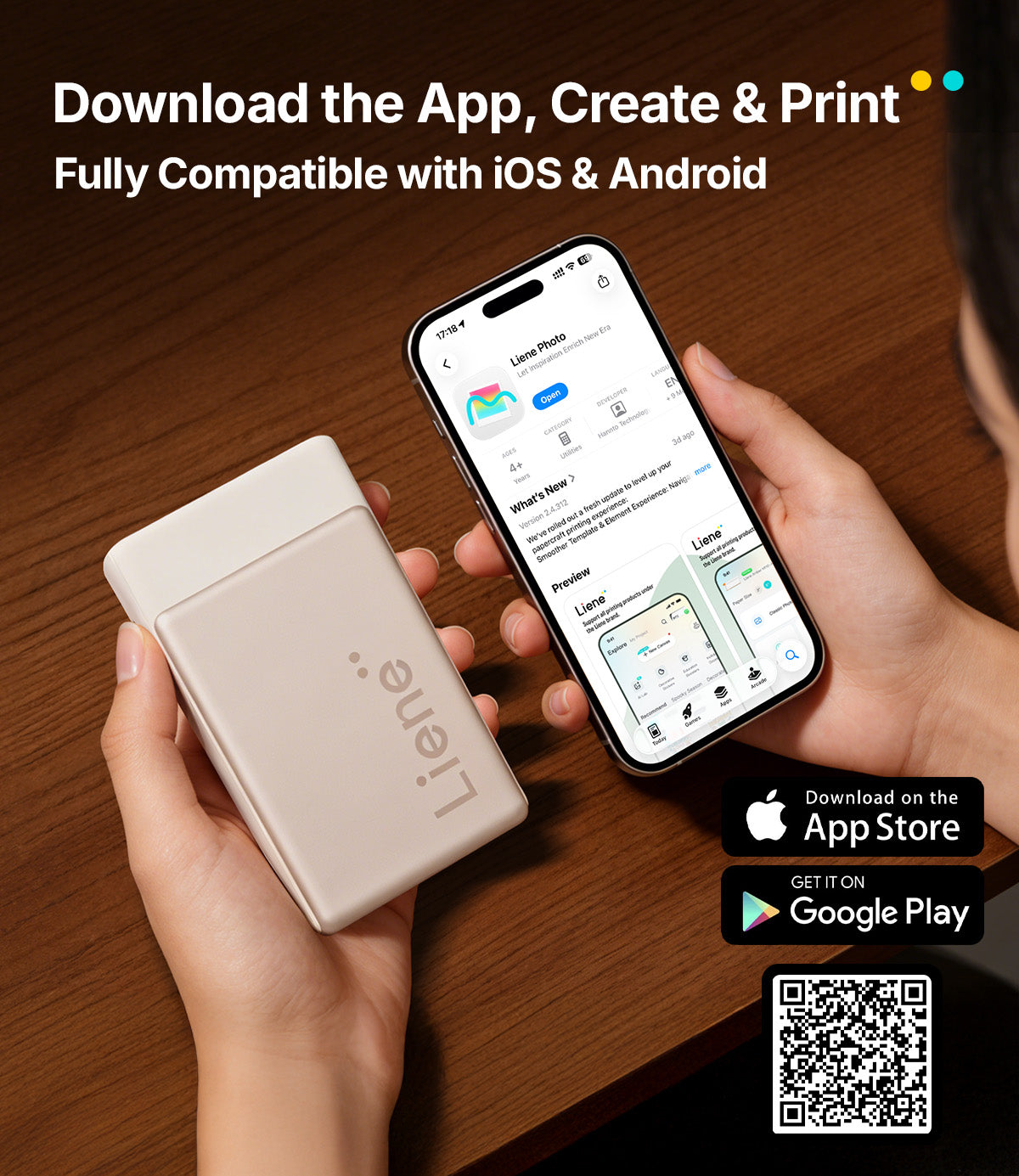
Connect your device with the printer using the Liene Photo app over Bluetooth.
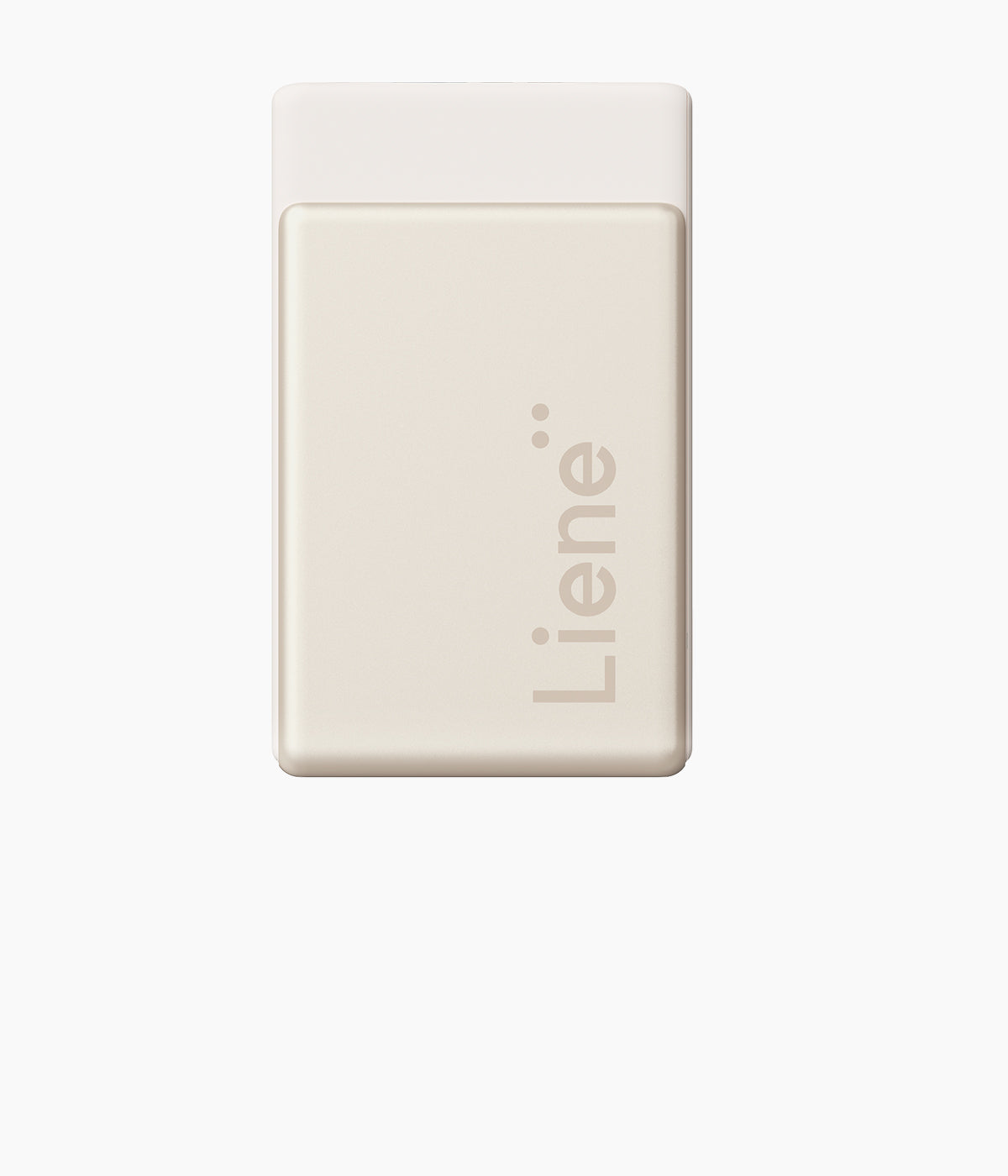
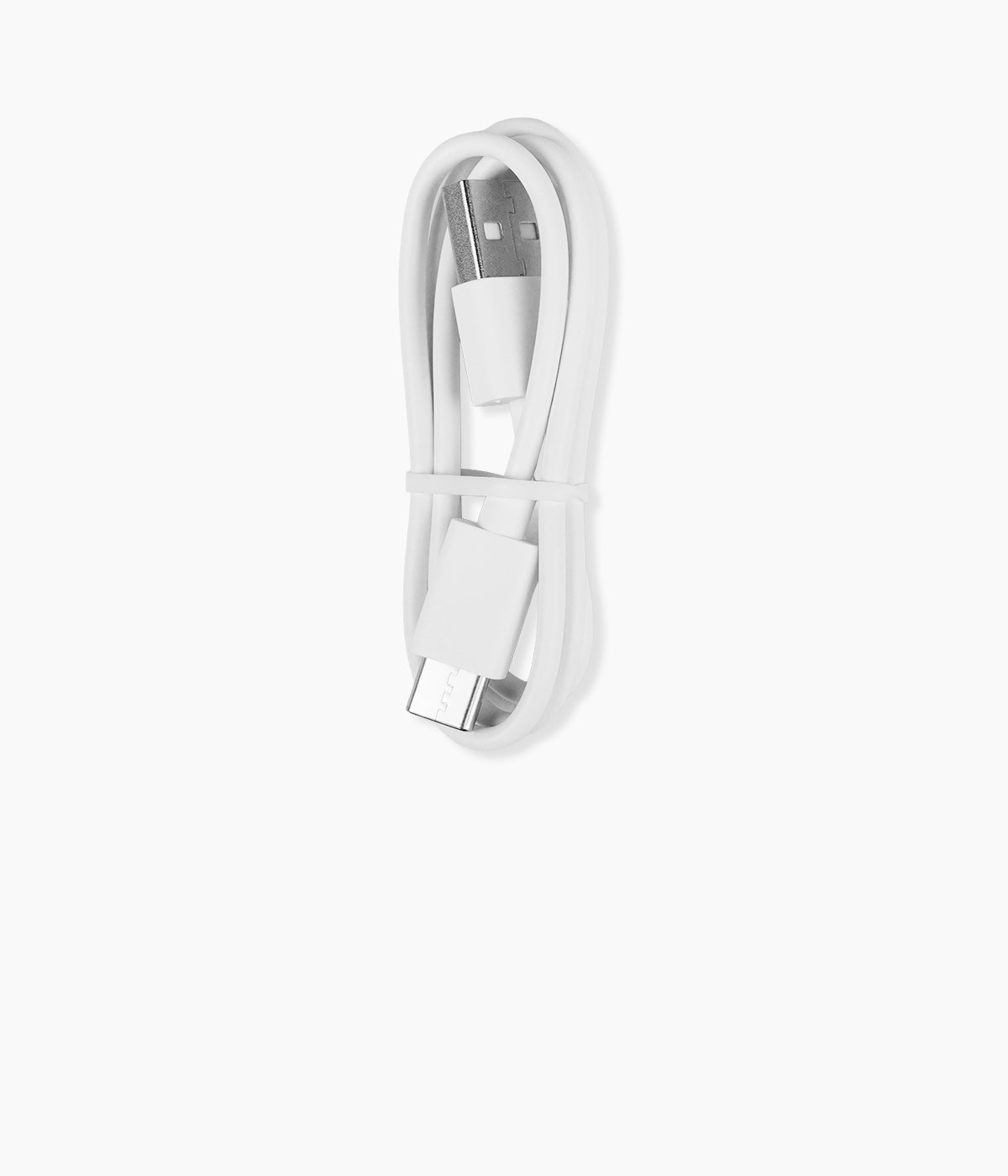
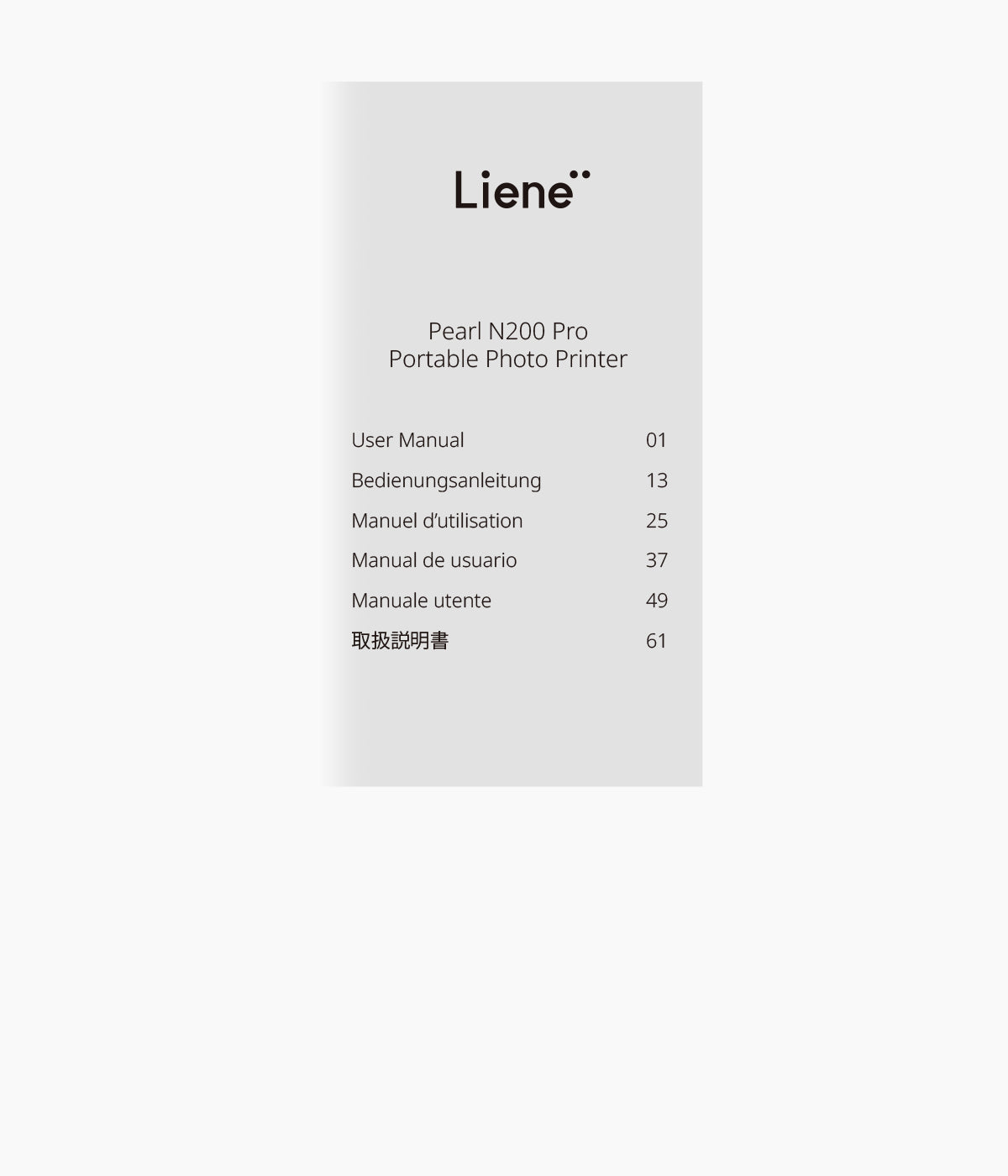
Included in the box

FAQ
What can this photo printer be used for?
What can this photo printer be used for?
This Bluetooth photo printer connects to phones and tablets to print high-quality photos and stickers anytime, anywhere. Prints are splash-proof, fingerprint-resistant, and oxidation-resistant for long-lasting results.
What are the printer’s dimensions?
What are the printer’s dimensions?
The main unit measures 144.4 × 87.5 × 29.4 mm, compact and easy to carry.
What’s the difference between Pearl K100 and Pearl N200 Pro?
What’s the difference between Pearl K100 and Pearl N200 Pro?
Pearl N200 Pro is an upgraded portable photo printer with three-color dye-sublimation printing for sharper, longer-lasting photos than Zink printing. It also adds indicator lights for clear print status, group Bluetooth pairing, and up to 27 sticker prints per full charge.
Does the printer include consumables?
Does the printer include consumables?
Yes. The box includes 5 ink cartridges and 50 sheets of adhesive-backed photo sticker paper, so you can start printing right away.
Does the printer have a built-in battery?
Does the printer have a built-in battery?
Yes. The printer has a built-in rechargeable battery and can be used wirelessly once fully charged.
How do I load the photo paper correctly?
How do I load the photo paper correctly?
Insert the entire paper pack into the tray with the glossy side facing down and the marked side facing up. Make sure the dashed line faces the paper outlet. For step-by-step guidance, scan the QR code on the printer or watch the tutorial in the Liene app.
Can multiple people use the printer at the same time?
Can multiple people use the printer at the same time?
Yes. The printer supports Bluetooth sharing with family and friends, allowing multiple users to connect. Printing is handled one job at a time.
Ce produit est noté 5.0 sur 5.0 étoiles.
Il a reçu 1 avis.