


Liene Pearl Series 2x3" Papier d'impression photo Zink 50 feuilles
Ships within 1 business day. Arrive in 2-5 bussiness day.
- Remarque : compatible uniquement avec les imprimantes de la série Pearl et ne convient pas aux autres modèles.
- Impression sans encre Zink :Les imprimantes Liene utilisent du papier zinc sans encre 2x3'' et fournissent des images de haute qualité une seule fois.
- Durable et résistant aux couleurs :Le papier d'imprimante photo professionnel Zink possède une couche de film unique qui le rend imperméable, résistant à la poussière, aux déchirures et aux taches.
- Support adhésif de qualité supérieure : Le papier photo zink 2x3 a un dos adhésif puissant, qui peut être collé sur une table, un mur ou un journal, et il ne se détache pas et peut être réutilisé.
- Rentable : Le papier pour imprimante photo Liene est 50 % moins cher que celui des autres vendeurs, avec des prix aussi bas que 0,59 $ par feuille.
- Compatible avec l'imprimante photo Liene : Ce papier photo Zink 2x3'' est uniquement compatible avec l'imprimante photo Liene Pearl Mini (blanc, vert, rose). Vous pouvez également personnaliser vos photos grâce à l'application Liene exclusive, avec 8 filtres, 4 cadres et des fonctions d'amélioration.




Print to Play, Pro Finish
Only Compatible with Liene Pearl N200 Pro


Outstanding Photo Quality
Dye-sublimation printing delivers smooth gradients, rich colors, and true-to-life photos every time.

Vibrant Details, Perfected Color
Capture every shade and subtle detail with vivid color accuracy that brings your memories to life.

Made to Last
Waterproof, fingerprint-resistant, and oxidation-resistant prints that stay beautiful over time

Eco-Friendly Materials
Made with recycled materials and sturdy cardboard packaging for a more sustainable choice.

Fast Bluetooth 5.2 Pairing
Connect instantly and start custom printing from your phone in seconds.
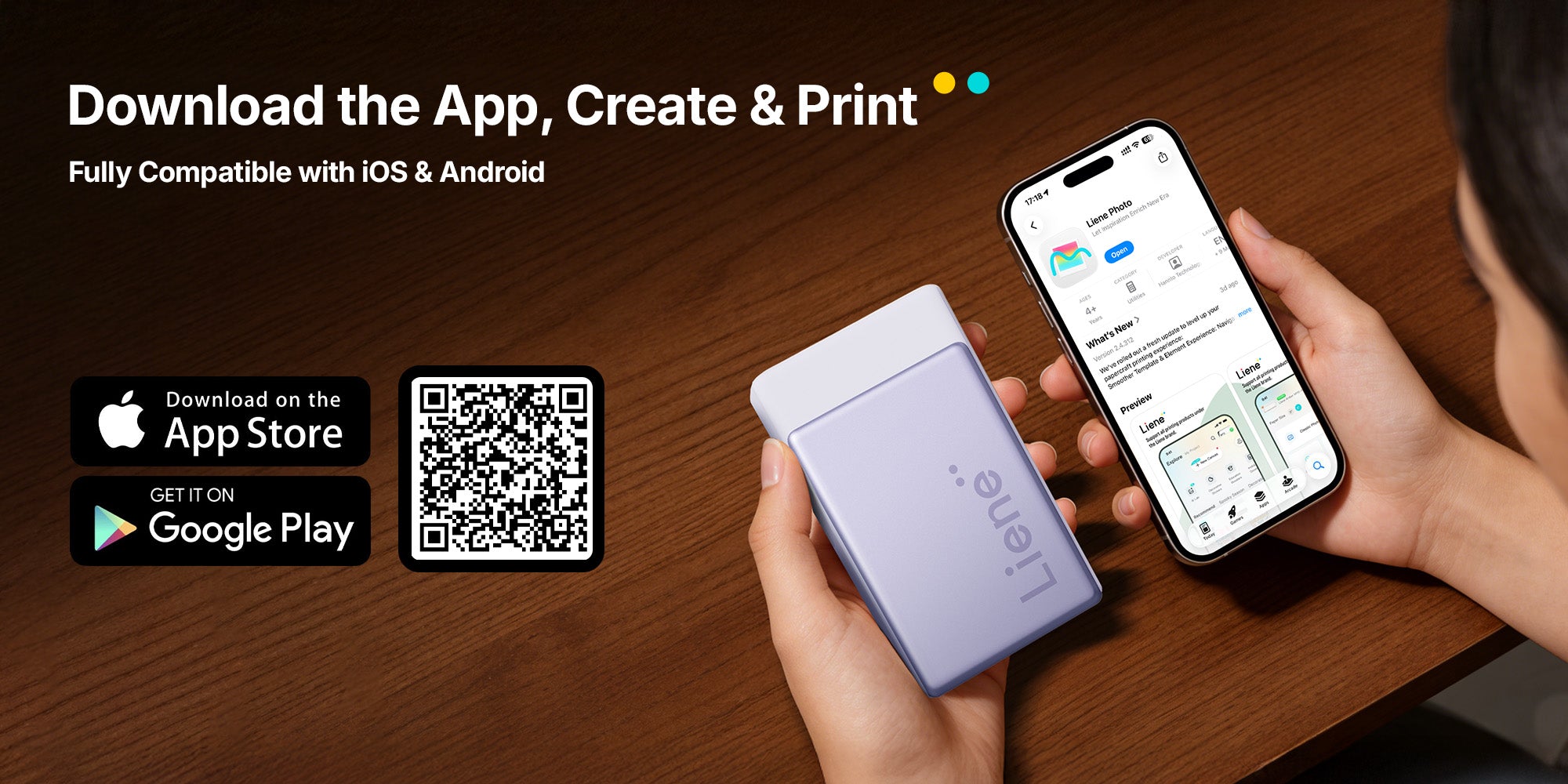
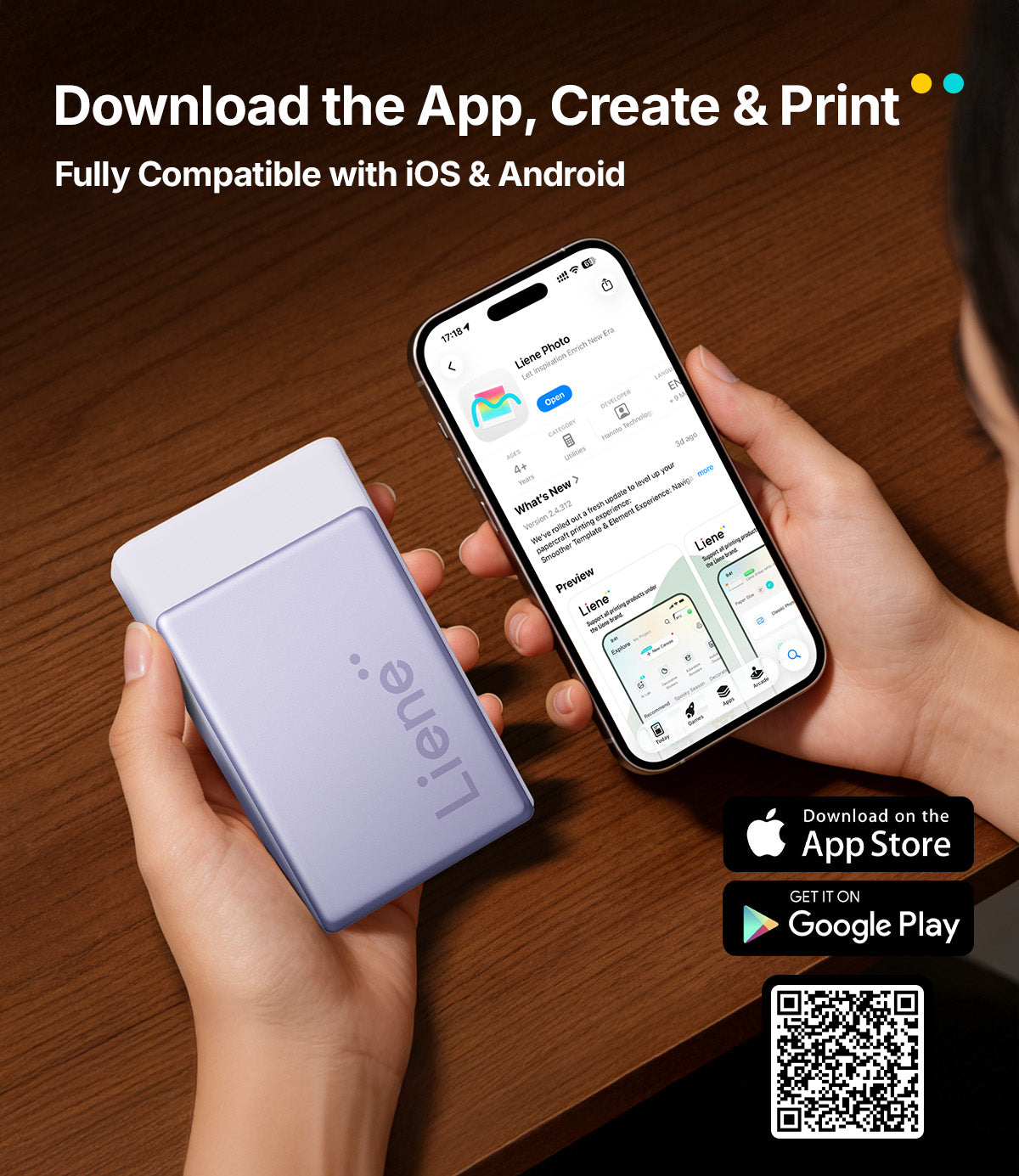
Unleash Your Creativity in Liene Photo APP!
FAQ
What is the printed image size?
What is the printed image size?
The printed image size is 2×3 inches (50×76 mm).
How to correctly load the photo paper?
How to correctly load the photo paper?
Place the entire pack of photo paper into the paper tray. Avoid touching the surface of the photo paper with your hands. The correct placement method is as follows:
Place the photo paper with the glossy side facing down and the printed side facing up. Ensure the dashed line on the photo paper faces the printer’s paper outlet. Incorrect placement may result in blank prints or the image being printed outside the cutting line.
For detailed instructions, scan the QR code on the printer or watch the tutorial video in the Liene app.
Can I use photopaper from other printer brands?
Can I use photopaper from other printer brands?
To ensure print quality, please use the photo paper specifically designed for the Liene Portable Photo Printer N200 Pro.
How many photos can one ribbon print?
How many photos can one ribbon print?
One ribbon can print 10 photos, and each ribbon is paired with 10 sheets of photo paper.
Can the photopaper be reused?
Can the photopaper be reused?
No, reusing photo paper may cause the ribbon to break.
Why do strange-colored dots or lines appear in the printed output?
Why do strange-colored dots or lines appear in the printed output?
If there is dust or lint in the usage environment, it may enter when placing the photo paper or ribbon, leading to abnormal printing. Ensure the usage environment is clean. Typically, the dust will be carried out after printing a few photos, and normal printing will resume. If the issue persists, contact after-sales service.
Additionally, color blocks may appear if the glossy side of the photo paper is touched while handling it, as oil from fingers can stain the surface. During high-temperature printing, this may cause yellow stains, affecting the print quality. However, this does not affect the printing of other photographic paper.
Ce produit est noté 5.0 sur 5.0 étoiles.
Il a reçu 1 avis.