


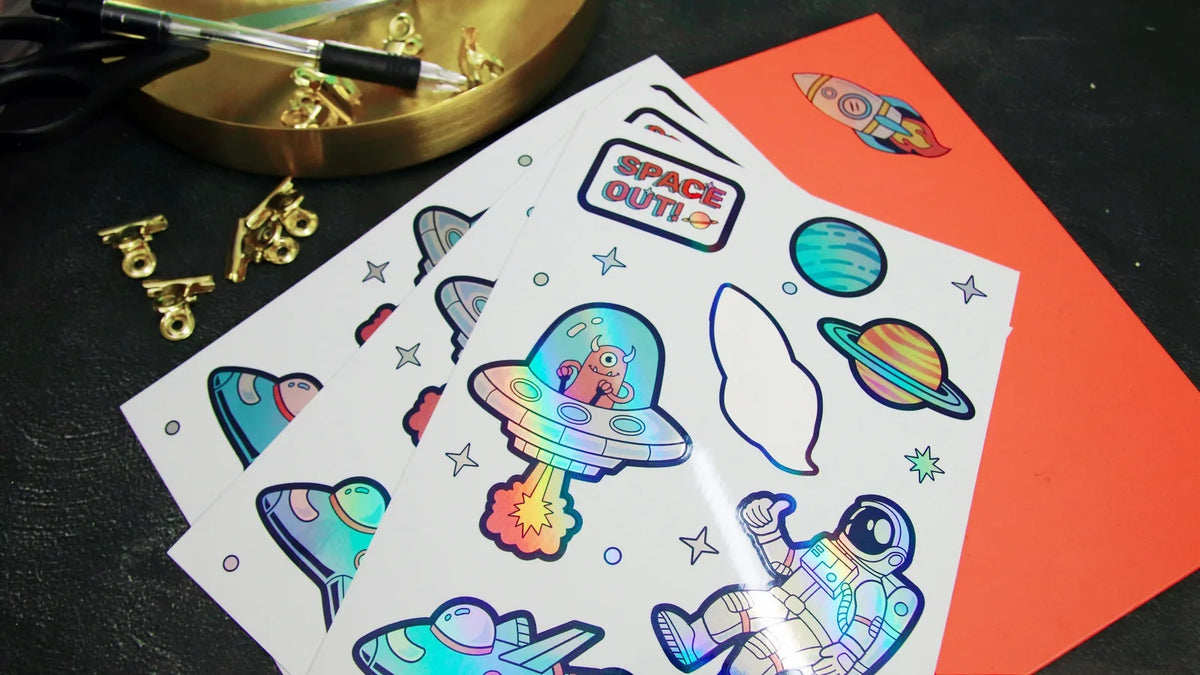
To make waterproof stickers at home, start with sticker material made for your printer and the water exposure you expect. Print your design, add a compatible protective finish if the material requires it, and apply the sticker to a clean, dry surface. Check a finished sample before decorating a whole batch of bottles or jars.
That little lemon you drew could make a lovely bottle sticker. Giving it the right materials matters just as much as getting the yellow right. Here’s how to choose your supplies, finish the print, and work out what kind of care your sticker needs.
What makes a sticker waterproof?
A finished sticker has several parts that need to work together:
| Part | What to check |
|---|---|
| Sticker material | Is it rated for the moisture your project will encounter? |
| Printed design and finish | Does the recommended ink, toner, or protective coating resist that exposure? |
| Adhesive | Is it suitable for the surface, temperature, and use? |
A waterproof sheet does not automatically make every print on it waterproof. For example, Avery’s material guidance says its Durable White Film performs differently with dye-based inkjet printing than with pigment-based inkjet or laser printing. That is a requirement for that material, rather than a rule for every sticker sheet.
You’ll also see “water-resistant” and “waterproof” on packaging. Water resistance generally describes protection against lighter moisture; waterproof claims can cover more exposure. Check the maker’s stated conditions for the exact product. Neither word, by itself, tells you that a finished sticker can survive a dishwasher or a season outdoors.
Choose supplies for the printer you have
Before you buy anything, check your printer model and the sticker material’s instructions. “Printable” is only the starting point.
| Your setup | Start with | Check before printing |
|---|---|---|
| Home inkjet printer | Inkjet-compatible sticker film or a matched waterproof sticker kit | Supported ink, print settings, drying, and any required laminate |
| Home laser printer | Sticker material specifically approved for your laser printer | Media type, thickness, and the material maker’s durability instructions |
| Liene PixCut S1 | Compatible Liene 4 × 7-inch sticker paper and its matching dye-sub cartridge | Correct loading, design layout, and cutting preview |

For colorful designs, check the color inks as well as the black ink. Some inkjet printers combine pigment black with dye-based colors. Avery explains this distinction for its pigment-compatible waterproof labels. Don’t replace your printer’s ink with a different type unless the printer maker supports it.
You can also choose a matched material-and-laminate kit. Follow its instructions as a complete system, including which printer it supports. A kit intended for an inkjet is not a substitute for laser-compatible stock.
If you’re still choosing equipment, our sticker printer buying guide explains the different printing and cutting routes.
How to print and finish your stickers
With a compatible home printer
Start with one small design, such as that lemon and a name underneath it. A short first run lets you check the print without using a whole pack of supplies.
- Set the finished size. Measure the space where the sticker will go. Leave room around the artwork for your intended border and cutting method.
- Make a paper proof. Print on ordinary paper first to check size and placement. This checks the layout; it does not test the sticker material’s durability.
- Print on the correct side. Use the material maker’s recommended printer settings and feed method. Check color, small lettering, and smudging on the first sheet.
- Follow the drying instructions. Use the timing given for your ink and material. There is no single waiting time that suits every combination.
- Add laminate if required. For a compatible self-adhesive laminate, expose a small strip of its backing, line it up, and smooth it down gradually. OnlineLabels’ lamination guide shows this method. Keep registration marks clear as directed by your cutting system.
- Make a test cut. Follow the cutter and material instructions for the combined thickness. Scissors work for a few simple shapes. Check that the sticker peels as intended before cutting the rest.
For a broader introduction to designing, printing, and cutting, see how to make stickers at home.
With Liene PixCut S1
PixCut S1 prints, applies its protective layer, and cuts around your designs in one workflow. Use compatible Liene sticker paper and the matching dye-sub cartridge, then prepare your design and check the cutting preview in the app. A kiss-cut leaves the backing intact so you can peel off each sticker.
The protective finish is applied during printing, so this workflow does not require laying a separate laminate sheet over the print. Our PixCut S1 refill information describes the finished stickers as waterproof. That description does not establish a dishwasher rating or a specific outdoor lifespan.
Use supplies designed for this system. General inkjet sticker paper and printable vinyl are not interchangeable with PixCut S1 media. The PixCut support center has loading, design, and cutting guidance.

Do you need to laminate waterproof sticker paper?
It depends on the material and printing process. Some systems require a separate laminate; others include a protective finish or specify a compatible printing combination without an extra sheet.
For example, Cricut’s Printable Waterproof Sticker Set combines printable vinyl with a separate laminating sheet. Its instructions say to print, let the ink dry, apply the laminate, and then cut. Those directions apply to that inkjet material kit.
Lamination adds protection to the printed face, but it does not answer every question about the finished sticker. You still need suitable sticker stock and adhesive. OnlineLabels explains how film material and adhesive contribute to its weatherproof labels.
Treat a taped-over paper sticker as a separate craft experiment. Don’t assume that adding a clear layer gives ordinary paper the same performance as a documented waterproof sticker system.
Apply one sample and check it before making more
Choose a sample surface that matches the actual project. A sticker that looks good on a flat jar still needs checking on your curved bottle.

Clean the surface according to the item maker’s instructions, let it dry, and apply the sticker smoothly. Follow any application and waiting instructions supplied with the sticker material before exposing it to moisture.
For a practical home check:
- Photograph the sticker before exposure, including the edges.
- Try the kind of contact you expect in use, within the material maker’s care instructions. Record whether it was a damp wipe, a splash, or another permitted exposure.
- Note the duration and water temperature rather than writing only “water tested.”
- Let it dry and check for color transfer, swelling, lifting edges, or changes in the finish.
- Repeat on more than one sample before committing to a larger batch.
This helps you choose materials for your project. It is not a certification or proof of years of wear. If you sell stickers, keep the material details and results with your care instructions, and describe only the uses your evidence supports.
If the design smears, revisit the ink, material, drying, and finish. If it stays clear but peels, check surface compatibility and application. Those are different problems, so changing the artwork alone may not help.
FAQs
Are vinyl stickers waterproof?
Some are, but the word “vinyl” does not establish the durability of the ink, finish, or adhesive. Choose a documented printing-and-material combination, then check the finished sticker on its intended surface.
Can I make waterproof stickers with an inkjet printer?
Yes, with compatible materials and the required finish. Check the exact ink and media requirements. Some waterproof label products require pigment inks, while some sticker kits include a separate laminate.
Can I make waterproof stickers without laminating them?
Some systems do not need a separate laminate sheet. PixCut S1 applies its protective finish during printing. For home-printer materials, follow the supplier’s instructions rather than assuming an extra layer is always required or always optional.
Can waterproof stickers go in the dishwasher?
Only claim that when the exact finished product has supporting care guidance. Cricut recommends handwashing items decorated with its Printable Waterproof Sticker Sets because dishwasher heat and detergents can shorten their life. A waterproof claim alone does not establish dishwasher safety.
How long do homemade waterproof stickers last outdoors?
There is no single lifespan for homemade stickers. Sunlight, temperature, water exposure, surface, ink, and adhesive all matter. Choose materials with documented outdoor suitability if that is your project’s main use.
Make a small batch you’ll enjoy using
Pick one drawing, one surface, and one compatible set of supplies. Print a few samples and check how they behave before making the full sheet of gifts or labels.
For a workflow that handles printing, protective finishing, and custom kiss-cutting in one machine, explore the Liene PixCut S1 sticker printer and cutter. That little lemon is a good place to start.

Leave a comment
This site is protected by hCaptcha and the hCaptcha Privacy Policy and Terms of Service apply.