


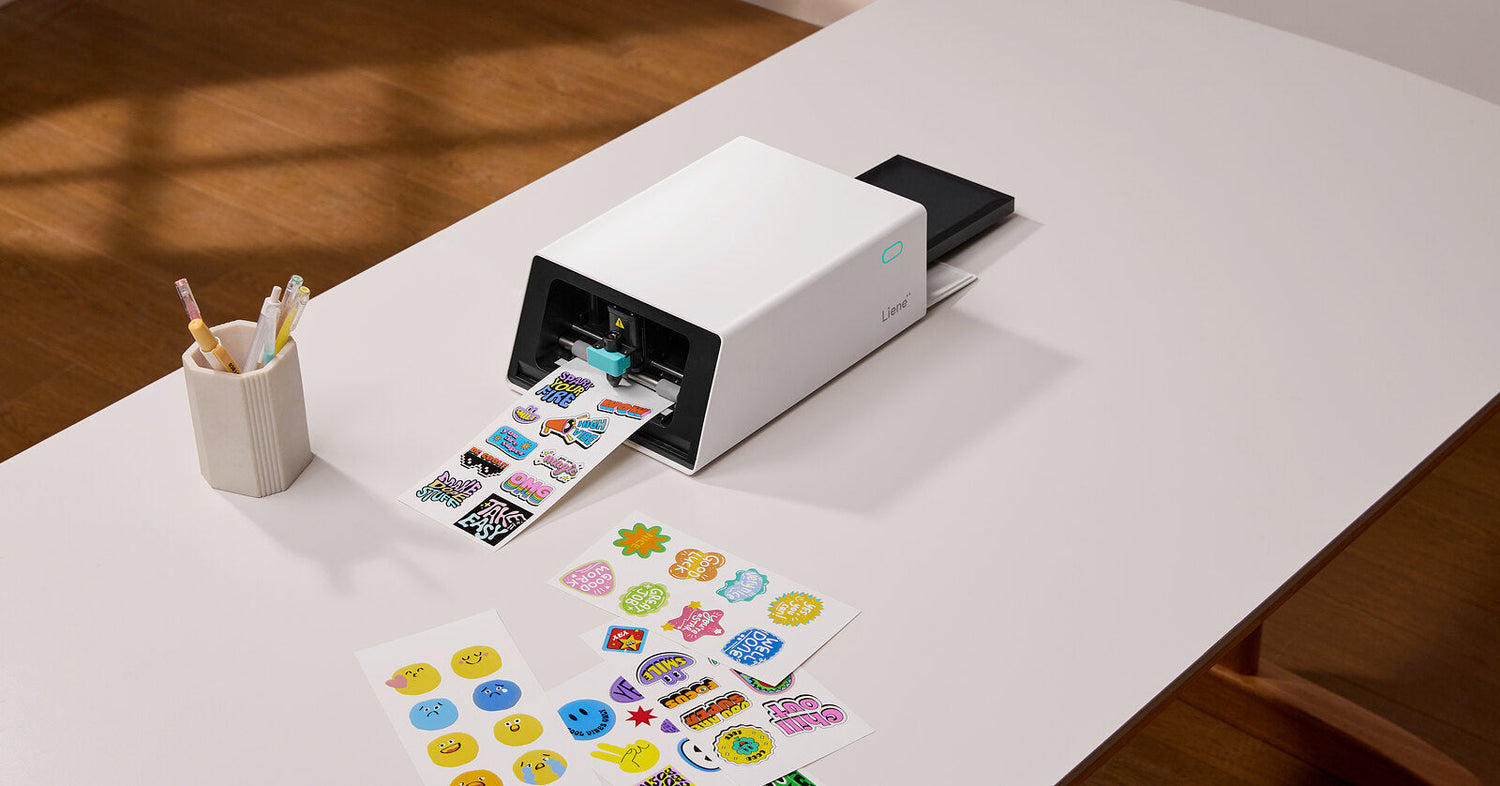
Back to school stickers earn their keep in five places: name labels on everything that leaves the house, planner stickers that keep the semester visible, decoration for laptops and water bottles, reward stickers for the classroom, and locker decor. This guide collects 25 school sticker ideas across those five categories, then ends with a free template library you can download and print as-is. Scissors and any printer will get you through most of the list. An all-in-one sticker maker gets you through all of it faster, and we cover that route near the end.
Name Labels for School Supplies
Most school supplies never come home because they look like everyone else's. A label fixes the cheap stuff, and for the expensive stuff it settles arguments. Five label ideas worth a sheet:
-
Skinny pencil wraps. A first name in small type, printed as narrow strips that wrap a pencil barrel. Mix a dozen onto one sheet next to bigger labels so no paper goes to waste.
-
Notebook and textbook labels. Name, subject, class period. Build one design, duplicate it, and swap the subject line so the whole stack gets covered in a single sitting.
-
Lunch box and container labels. Lunch gear gets rinsed, wiped, and shoved into bags daily, which is exactly the situation laminated stickers are made for. More on the waterproof question in the FAQ below.
-
Tech tags. Chargers, earbud cases, and calculators look identical across a classroom. A small label answers whose charger that is before it turns into a negotiation.
-
An "if found" label inside the backpack. First name and a parent's phone number on the inside pocket, where a teacher will find it but a stranger passing by won't. Skip the last name; the label works without it.

A full sheet of labels prints in one pass, so a whole stack of supplies gets covered in one sitting.
Planner and Schedule Stickers
New year, new planner, and the first two weeks decide whether it gets used. Stickers lower the friction.
-
A class schedule sticker on every notebook. Rebuild the timetable in a template once, then print a copy for each notebook cover and one more for the locker. Plenty of schools now lock phones away during the day, which makes a printed schedule quietly useful again.
-
Homework due flags. Small, loud, one word. A red "DUE" dot on the planner page does more than a whole color-coding system that gets abandoned by October.
-
Test countdown dots. A numbered row, 7 down to 1, peeled off one per day. Younger kids especially take to the ritual.
-
Habit tracker dots. Reading minutes, instrument practice, water. A term's supply fits on one sheet.
-
A milestone banner for the semester spread. Project deadlines, tryouts, and break dates marked before the busy weeks arrive, so nothing ambushes anyone in November.
Laptop and Water Bottle Stickers
This is the category kids actually ask for, and it comes with one rule: print designs you made or photos you took. Copyrighted characters belong to someone else, and your own art makes a better story when someone asks about it.
-
Your kid's drawings, made official. Photograph the drawing, let the app lift it off the background, and print it as a die-cut sticker. A crayon monster on a laptop lid beats anything from a store rack.
-
Photo stickers from the summer. Dye-sublimation printing at 300 DPI keeps detail smooth, so faces still look like faces at sticker size. Pets do especially well.
-
A monogram badge. One initial, big type, high contrast. It reads across a classroom and survives the bottle being dropped in a gym bag.
-
Matching sets for a friend group. Lay out six copies of one design and split the sheet at lunch.
-
A name strip along the bottle's base. Quiet enough to keep the bottle looking like theirs, findable enough for the lost-and-found bin.

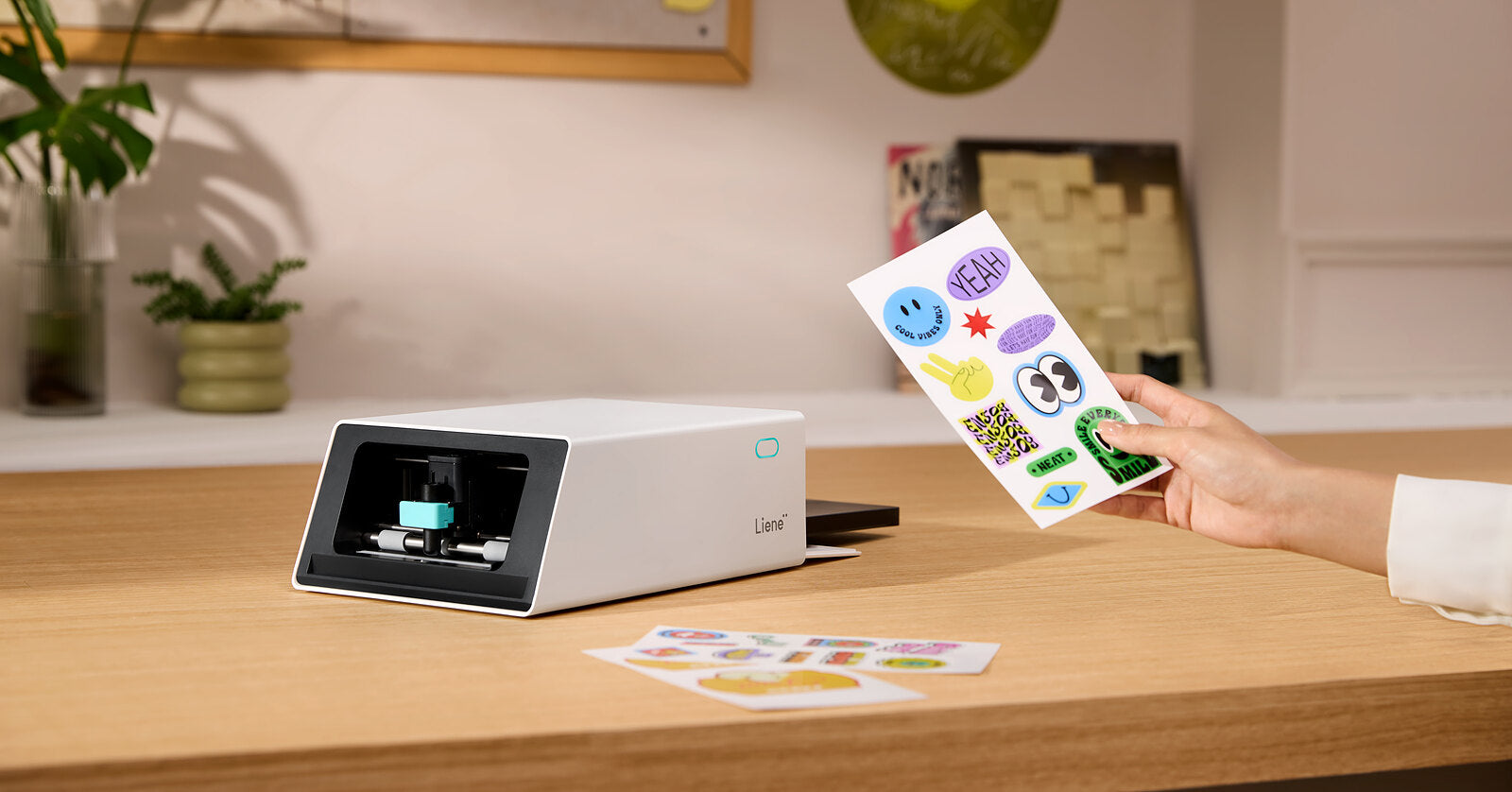
Die-cut stickers peel off the backing sealed, so they survive daily handling on a case, a lid or a bottle.
Teacher Reward Stickers
Teachers hand out hundreds of stickers a year, usually bought with their own money. At about $0.20 per sticker printed at home, custom sets become a realistic option instead of a splurge.
-
Praise stickers in your own voice. The phrases you actually say all day land differently when they come back as a sticker.
-
Class pet stickers. If room 14 has a bearded dragon, a sticker of that exact bearded dragon outranks anything a catalog sells. Photograph the pet, cut the background away, done.
-
Subject sets. A reading rocket, a math star, lab goggles for science days. One template, recolored per subject.
-
"Caught being kind" stickers. These reward the behavior between lessons, which the store-bought "Great job!" sets never quite cover.
-
End-of-unit collectibles. One design per unit, revealed on the last day. Kids track them on a collection card, and suddenly the semester has trading-card energy.
Locker Decor Stickers
One design constraint before the fun part: lockers get emptied in June. Decorate in a way that comes down in one motion.
-
A photo wall on magnet sheets. Print photos as stickers, mount them on cheap magnetic sheets, and the whole gallery lifts off in seconds at cleanup. It also moves to next year's locker intact.
-
Name banner inside the door. Big letters, one color, the first thing visible when the door swings open.
-
Mirror frame stickers. A small locker mirror with a decorated border feels custom without the permanence.
-
The bell schedule at eye level. The same trick as the notebook schedule, printed once more for the door.
-
Emergency kit labels. Hair ties, quarters, bandages, a spare pencil. Labeled pouches mean a friend can find things mid-crisis too.
How to Print Back to School Stickers at Home
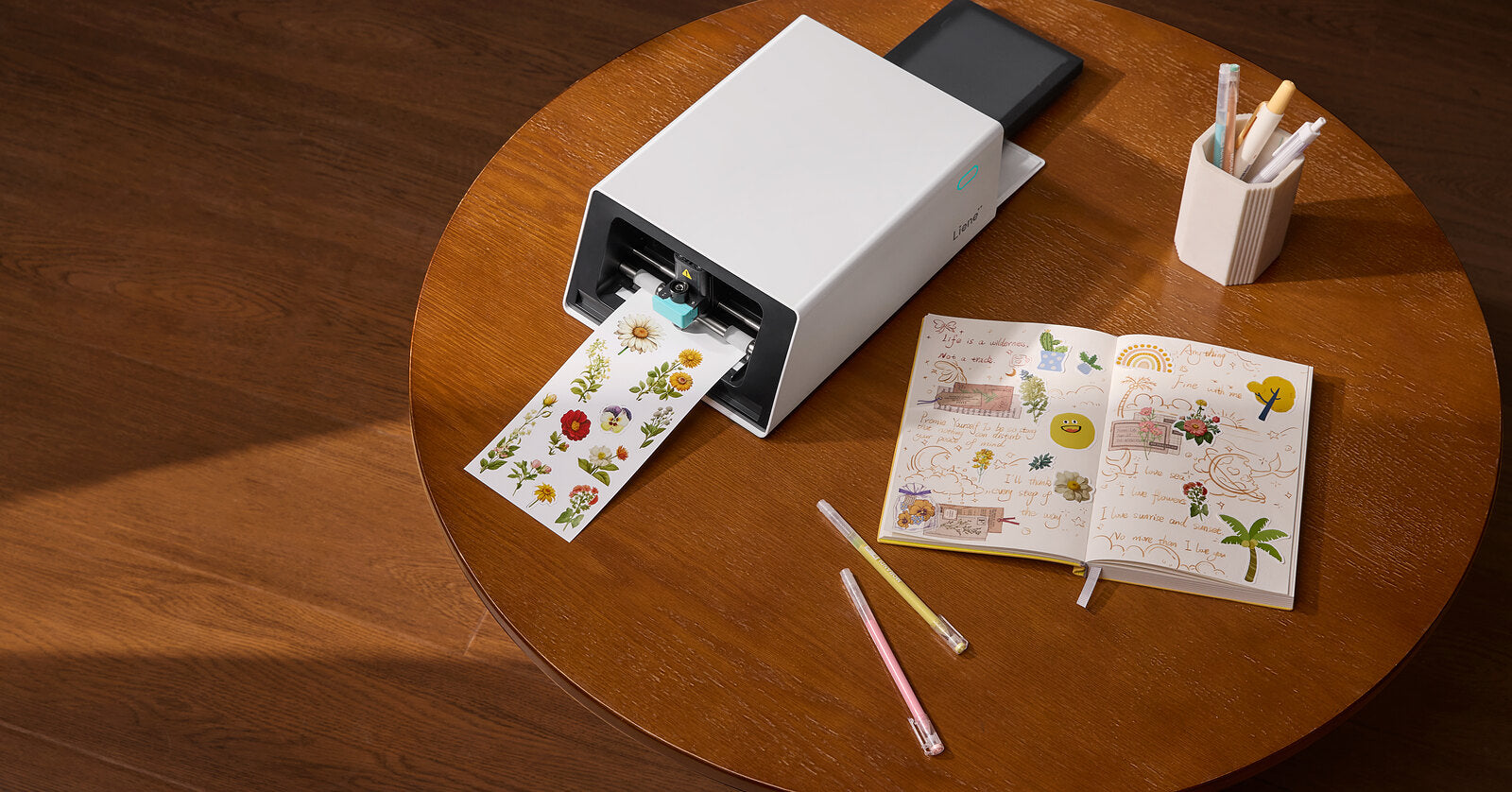
Every idea above starts as a sheet of printable designs, and there are two ways to get from sheet to sticker. Any printer plus scissors covers the manual route, given a free afternoon. The all-in-one route is the PixCut S1, which prints, laminates, and cuts in a single pass. You design in the free Liene app, which includes 50,000+ templates and design assets with no subscription. AI separates each design from its background and traces the cut line for the blade. The machine prints at 300 DPI, applies a four-layer protective laminate as the sheet prints, and cuts each shape so the finished stickers peel straight off. It runs from a phone, tablet, or computer over Bluetooth, and materials come out to about $0.20 per sticker.

Printed, laminated and cut in one pass. The stickers peel straight off the sheet.
For the full process with settings and materials, our step-by-step guide to making stickers at home walks through it, and the sticker printer vs cutting machine comparison covers how the all-in-one route stacks up against a printer-plus-cutter setup.
Free Templates and AI Tools in the Liene App
Every idea above starts faster with a template than with a blank canvas. The free Liene app comes with more than 50,000+ templates, organized by scenario, with sticker sheets, label printing, greeting cards, and seasonal collections among them. Each one is fully editable: swap the text, change the colors and fonts, and save your version for reprints, so one good name label becomes a full sheet of them.
The AI tools carry the rest. AI Remove BG lifts a subject cleanly off its background, the step that turns a crayon drawing or a pet photo into a die-cut sticker. AI Sticker builds a transparent-background design straight from a photo, and the AI portrait sets turn a face photo into stylized versions of itself, which is how a kid ends up grinning from their own water bottle. Text tools handle the name labels, in your choice of font, size, and color.
The app is free on iOS and Android with no subscription, and the template library loads over an internet connection. For a walkthrough from first tap to finished sticker, see how to design stickers fast with free templates.
Back to School Sticker FAQ
Are printed stickers waterproof enough for a water bottle?
Stickers from the PixCut S1 come out with a four-layer laminate applied automatically during printing, which makes them waterproof and resistant to scratches, fading, and stains. Daily bottle use and sink washing are well within what they handle.
Are the stickers dishwasher-safe?
We recommend hand-washing bottles that carry stickers you care about. The laminate handles water well, but a dishwasher adds prolonged heat, and we would rather promise what we have tested than guess. If a sticker has to survive the dishwasher, run a one-bottle test of your own first.
Do I need a cutting machine for these ideas?
No. Every design in the template pack prints on any printer and cuts with scissors. A cutting machine automates the cutting but still needs a separate printer, while an all-in-one like the PixCut S1 handles printing, laminating, and cutting in one device. Our comparison guide breaks down when each route makes sense.
What does each sticker cost to make?
On the PixCut S1, materials work out to about $0.20 per sticker. Refills come as 72-sheet packs of 4×7" sticker paper with ink cartridges included, and how many stickers each sheet yields depends on the sizes you mix onto it.
Can I use the templates without any design skills?
Yes. Each template prints as-is, and the editable versions open in the free Liene app, where swapping a name or recoloring a set is a tap-and-type job.
Will stickers damage school property?
Surfaces vary, so test one sticker somewhere hidden before committing to a locker door. The safer route for lockers is the magnet-sheet approach from the decor section, which leaves nothing behind. On personal gear like laptops and bottles, treat placement as a commitment.

Leave a comment
This site is protected by hCaptcha and the hCaptcha Privacy Policy and Terms of Service apply.