


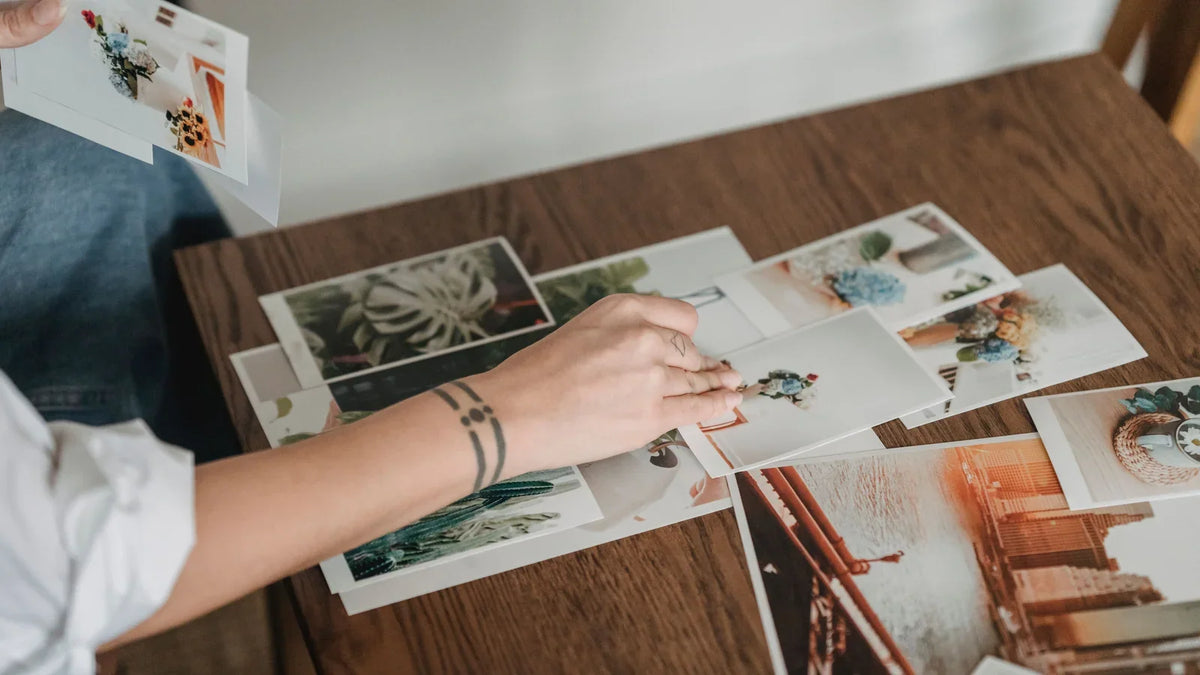
4×6 inches is a common everyday photo print size. It measures 10.16×15.24 cm, with 1200×1800 pixels at 300 PPI as a useful file-preparation target. Other standard photo print sizes include 5×7, 8×10, and 8×12 inches, along with smaller wallet and mini formats.
Choosing between them starts with your project. You might want a little photo beside a journal entry, a family picture for an album, or a portrait for Grandma’s desk. This chart will help you find the measurements, check your image, and keep the people you love inside the crop.
What Is a Standard Photo Print Size?
A standard photo print size is a commonly offered format. There’s no single size for every photo: 4×6 is a familiar album option, 5×7 gives a portrait more room, and 8×10 works for a larger framed display.
The size describes the finished print. Before choosing, check the album pocket, frame, or space on your page. A lovely photo is much easier to use when it fits where you planned to put it.
Standard Photo Print Sizes: Quick Reference Chart
Use this photo print size chart to compare inches, centimeters, and pixels. Measurements show the shorter side first; swap them for landscape orientation.
| Print format | Inches | Centimeters | Aspect ratio | Pixels at 300 PPI | Handy for |
|---|---|---|---|---|---|
| Mini / some wallet prints | 2×3 | 5.08×7.62 | 2:3 | 600×900 | Journals, gift enclosures |
| Wallet, one lab format | 2.5×3.5 | 6.35×8.89 | 5:7 | 750×1050 | School portraits, wallet windows |
| Mini wallet, one lab format | 1.75×2.5 | 4.45×6.35 | 7:10 | 525×750 | Small portrait keepsakes |
| Everyday photo | 4×6 | 10.16×15.24 | 2:3 | 1200×1800 | Albums, cards, small frames |
| Medium photo | 5×7 | 12.70×17.78 | 5:7 | 1500×2100 | Portraits, desk displays |
| Display photo | 8×10 | 20.32×25.40 | 4:5 | 2400×3000 | Framed family pictures |
| Display photo | 8×12 | 20.32×30.48 | 2:3 | 2400×3600 | Larger prints of 3:2 images |
Centimeters use 1 inch = 2.54 cm, rounded to two decimal places. Pixel values are calculated at 300 PPI as a preparation reference; your printer or photo lab may have different requirements.
Choose a Size for Albums, Frames, and Journals
For albums, match the pocket. Check its stated capacity before printing a whole set. If you’re building a 4×6 album, our guide to 4×6 photo paper explains that format in more detail.
For frames, read the mat measurements too. An 8×10 frame with a mat intended for a 5×7 photo needs a different print from an unmatted 8×10 frame. Check the intended photo size, rather than measuring the frame’s outside edge.
For journals, leave space for the story. A 2×3 snapshot can sit beside a handwritten recipe or the ticket from your day out. Unsure about the layout? Cut scrap paper to the proposed size and move it around the page before using your photo paper.
Wallet sizes deserve a quick check. Mpix lists 2.5×3.5-inch wallets and 1.75×2.5-inch mini wallets, while Shutterfly describes 2×3 prints as wallet photos. Measure your holder and check the seller’s dimensions; the word “wallet” alone doesn’t settle the size.

Why Your Phone Photo Gets Cropped
Ever chosen a photo you love, then noticed someone’s hair disappearing in the print preview? The picture and paper may have different proportions.
Aspect Ratio vs. Print Size
Aspect ratio is the relationship between width and height. A landscape 6×4 print has a 3:2 ratio; upright, the same paper is 4×6 with a 2:3 ratio.
Phone photos can use other proportions. For example, iPhone camera options include 4:3, square, and 16:9. A landscape 4:3 image is less wide than a 3:2 print, so filling the paper crops some of the top and bottom. An upright 3:4 image filling a 4×6 print loses some of the sides.
Print apps may offer two approaches:
- Fit: Keeps the whole picture, adding borders where the proportions differ.
- Fill: Covers the paper, cropping the parts that extend beyond it.
Names and controls vary, so let the preview guide you. Mpix’s preparation guidance explains why mismatched proportions cause cropping.


Keep Important Details Inside the Crop
Set the final print ratio, then move the crop until faces, hands, and lettering have room around them. For a group picture, check the people at both edges before tapping Print.
If you’re adding a date or a little caption to the image, keep it away from the edge. Borderless printing can trim a small amount even when the ratios match. Make one sample before printing copies for everyone.
How Many Pixels Do You Need?
To calculate pixels for photo prints, use:
Print dimension in inches × PPI = pixels
For a 5×7 print at 300 PPI, that’s 1500×2100 pixels. Check the dimensions after cropping, because the crop removes pixels too. Adobe’s image-sizing guide explains this relationship.
PPI means pixels per inch in your image. DPI means dots per inch produced by a printer. They measure different things; the chart uses PPI for preparing your file.
Changing a small image’s resolution label to “300” doesn’t add detail. Enlarging it through resampling adds pixels, but can’t recover original detail that wasn’t captured. Start with the original photo when you can, rather than a screenshot or compressed message attachment.
Fewer pixels may still work for a small keepsake. Check your printer or lab’s guidance and try a sample before committing to a larger print.
Print the Size You Actually Need
Once you’ve chosen a size, match it to a printer or service that supports it.
For 4×6 albums and everyday photos: Explore the Liene Amber 4×6 photo printer range. Use compatible paper and check your crop. Printing from your phone? Follow our guide to printing 4×6 photos from an iPhone.
For little journal photos: The Liene Pearl K100 uses 2×3-inch adhesive-backed Zink paper. You can peel the backing and add the print to your page, leaving room for a note or a strip of washi tape. Check your holder if you want a wallet photo; 2×3 differs from 2.5×3.5.

For 5×7, 8×10, or 8×12: Choose a printer or photo lab that explicitly offers those dimensions. Supported sizes depend on the model, so check before buying paper.
Our photo printer buying guide can help you compare the options.
Frequently Asked Questions
Is 4×6 the Same as 6×4?
Yes. Both describe a four-inch by six-inch rectangle. Switching the numbers usually indicates orientation; the paper size stays the same.
Is 2×3 a Wallet Photo?
Some sellers use that name for 2×3 prints. Others offer 2.5×3.5-inch wallets or smaller mini wallets. Check the measurements against your holder before ordering.
What Pixels Are Needed for a 4×6 Print?
At 300 PPI, use 1200×1800 pixels for portrait orientation or 1800×1200 for landscape as a preparation target. Focus, compression, and the original photo’s quality also affect the result.
Can I Print Without Cropping?
Use a fitted layout where supported, accepting borders when the image and paper proportions differ. Matching the aspect ratio helps, although borderless printing can still trim the edges slightly.
Does Every Photo Printer Support 5×7?
No. Check the exact model’s supported sizes. A printer designed for 4×6 or 2×3 paper may not accept 5×7 sheets.
Save the Chart Before Your Next Print
Keep this chart handy for your next album, journal page, or framed gift. Choose the space, check the measurements, and preview the crop before printing.
Ready to make something with those photos? Explore Amber for 4×6 prints or Pearl K100 for 2×3 adhesive-backed photos, then start with one favorite picture.

laissez un commentaire
Ce site est protégé par hCaptcha, et la Politique de confidentialité et les Conditions de service de hCaptcha s’appliquent.