How to Make Custom Face Stickers for Parties and Gifts with PixCut S1
Custom face stickers are taking over parties, weddings, and gift exchanges because they’re fun, personal, and guaranteed to get people talking. They work for all kinds of occasions, from big celebrations like birthdays and graduations to small, thoughtful surprises in gift wrapping. This guide will walk you through everything from picking the right photos to adding playful design touches, plus how to produce high-quality stickers at home so you can bring laughter and personality to any event.
Why Custom Face Stickers Are Perfect for Parties and Gifts
Custom face stickers are more than decoration. They can set the tone for your event and make it truly memorable.
Fun and personalized touch to events: Adding someone’s face to party items makes guests feel included and creates a lasting memory. It works especially well for milestones like birthdays or weddings.
Unique conversation starter: Guests often laugh, share stories, and take photos when they see familiar faces on decorations or favors. This helps everyone feel more connected.
Budget friendly alternative to specialty print shops: Making stickers at home lets you control the quantity and design while keeping costs low. You can produce exactly what you need without paying for large print runs.
Suitable for many occasions: From graduations and holidays to casual get-togethers and gag gifts, custom face stickers can be tailored to match the style and mood of any celebration.
How to Create Custom Face Stickers Using the Liene Photo App
The Liene Photo App is the creative companion for the PixCut S1, making it easy to design, personalize, and print custom stickers directly from your smartphone or desktop. Packed with AI-powered tools, templates, and editing features, the app helps users transform everyday photos into unique sticker creations without any design experience. Whether you're creating personalized party decorations, funny face stickers for friends, or custom embellishments for scrapbooks and journals, everything can be done in just a few taps.
To create your own custom face stickers, simply open the design canvas and tap the AI LAB button at the bottom center of the screen. From there, choose from a variety of AI image transformation styles to instantly turn your photo into a fun and personalized sticker design. Looking for something more original? Enter your own text prompt and let the AI generate a custom style based on your idea. Once you've selected the photo you'd like to transform, the app creates a one-of-a-kind face sticker in seconds. Whether you're planning a birthday party, bridal shower, graduation celebration, or family gathering, custom face stickers are a creative way to add personality and make memories even more memorable.
Print and Cut Custom Face Stickers Automatically with PixCut S1
Step 1: Create Your Design
Select the sticker design or photo you want to print with Liene PixCut S1, then use the Smart Collage feature to automatically arrange multiple stickers on a single sticker sheet. This helps maximize material usage and allows you to create multiple copies at once—perfect for party favors, event decorations, gift packaging, classroom activities, or small business sticker packs.
Step 2: Print & Auto-Cut
When you're happy with the layout, simply tap Print and let the PixCut S1 handle the rest. The machine automatically prints vibrant, full-color stickers and precisely kiss-cuts each design without requiring scissors, cutting mats, or additional tools. In just a few minutes, your digital creations become ready-to-use custom face stickers. Whether you're making funny stickers for a bachelor party, personalized gift labels for the holidays, scrapbook embellishments, or custom stickers to sell online, the PixCut S1 streamlines the entire process. Its all-in-one print-and-cut workflow helps creators spend less time on setup and cutting, and more time bringing their ideas to life.
Step 3: Peel & Apply
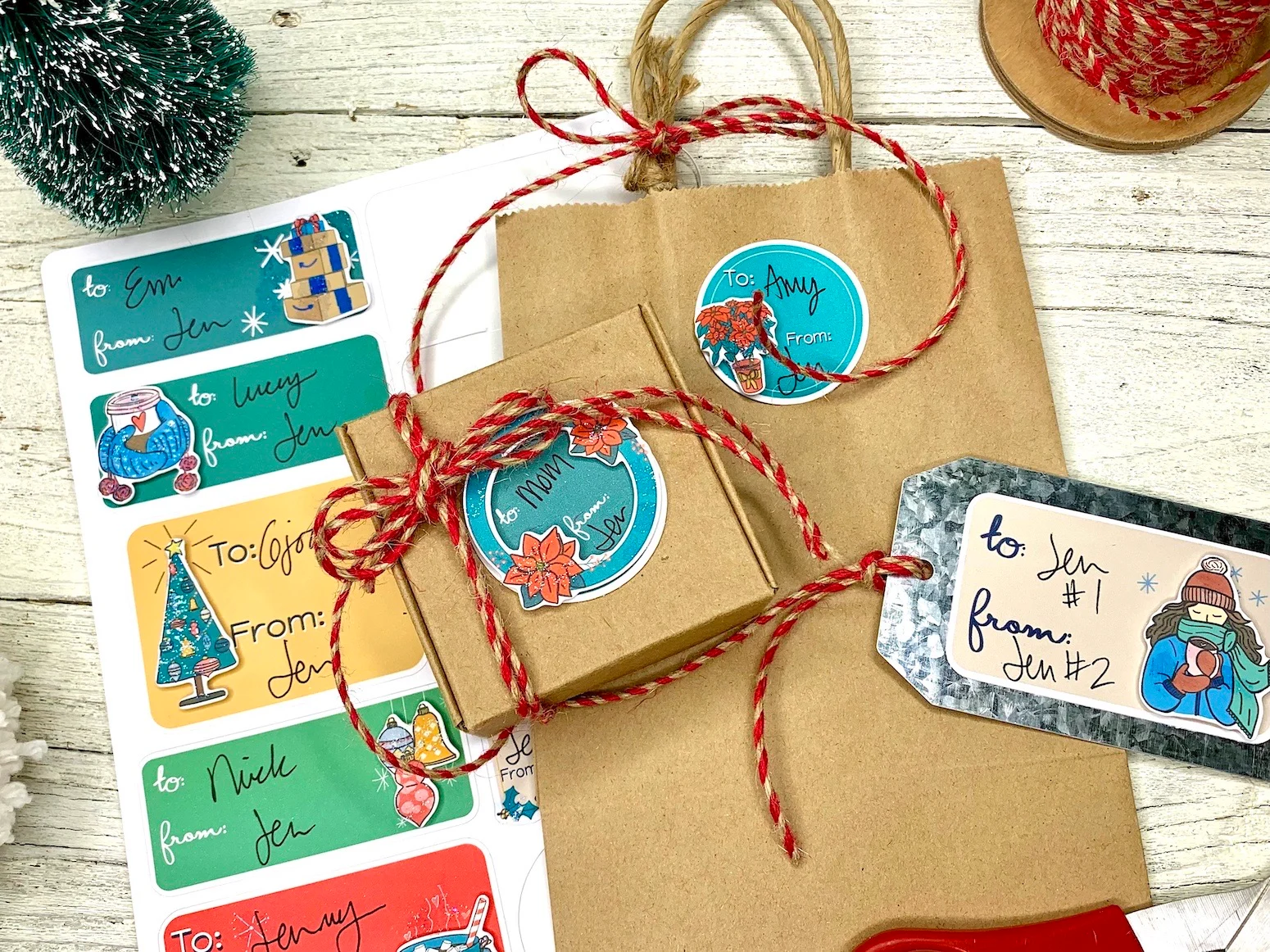
Finally, peel your stickers from the sheet and place them on party props, invitations, gift wraps, drink cups, or any other surface you want to decorate.
Other Ways to Use Your Custom Face Stickers
Custom face stickers are not limited to invitations or party favors. With a little creativity, they can be used in many ways to make your event more memorable.
Decorating party hats, banners, and table centerpieces: Placing stickers on hats lets guests wear the celebration, while banners and centerpieces with faces add humor and a personal connection to the décor.
Sealing gift bags or envelopes: Use stickers as a fun seal for treat bags or invitation envelopes. It adds a personal touch and makes the packaging stand out before it is even opened.
Personalizing phone cases or water bottles: Give guests a small keepsake by adding stickers to cases or bottles. They are durable and can handle daily use, making them a reminder of the event long after it ends.
As part of a DIY party photo booth kit: Include the stickers with props like glasses, hats, and masks. Guests can stick them on props or themselves for playful, themed photos that capture the mood of the party.
Pro Tips for Best Results
A few small adjustments in your process can make your stickers look sharper and last longer.
Use high quality images to avoid pixelation: Start with clear, well lit photos that are in focus. Blurry or low resolution images will look even worse once printed, especially on larger stickers.
Keep background transparent for precise cuts: Save your design as a PNG with no background so the cutter can follow the outline exactly. This avoids unwanted borders or uneven edges.
Store sticker sheets flat to avoid curling before the event: Keep printed sheets on a flat surface in a dry place. Humidity and bending can cause curling, which makes application harder.
Experiment with sizes: Try smaller stickers for cups or party favors and larger ones for banners or photo booth props. Mixing sizes creates more visual variety and lets you decorate more surfaces.
Conclusion
Making your own custom face stickers adds personality, humor, and a personal connection to any event. You can match them to a theme, control the quality, and create exactly what you need without the cost or wait of a print shop. With the Liene PixCut S1, printing and cutting are combined in one step, making it simple to produce professional looking stickers at home. Now that you know how to plan, design, and apply them, try creating your own and see how much fun they bring to your next party or gift.
FAQs
What’s the easiest way to make custom face stickers at home?
Getting your own all in one sticker maker is the simplest path. You can print exactly when you need to, avoid minimum orders, and keep costs predictable. For a smooth start, pick up the Liene PixCut S1 machine and materials. With everything in one box, you can go from a photo to finished stickers in a few minutes.
Can I use any photo for face stickers?
Yes. Choose a photo you like and import it into the app. For clean results, pick a clear, front facing image with good lighting and sharp focus. Save or export as PNG or JPG. If the background is busy, remove it first so the cut line follows the face cleanly. A high resolution file prevents soft edges and keeps details like hair and eyelashes crisp.
What paper should I use for stickers?
If you are using the PixCut S1, use official Liene sticker paper and matching cartridges. The paper is optimized for thermal dye sublimation, receives an automatic protective layer while printing, and is tuned for precise kiss cutting. A good option is the enhanced adhesion sticker paper. Third party papers or ribbons are not supported and can affect print quality and cutting accuracy.



Hinterlasse einen Kommentar
Diese Website ist durch hCaptcha geschützt und es gelten die allgemeinen Geschäftsbedingungen und Datenschutzbestimmungen von hCaptcha.